Productivity Workbench
A block on the bench
A piece of work on the bench: the platform itself, and the parent of the two products.
Workbench Indigo #4f46e5
Brand guidelines
Productivity Workbench and its two products share one mark: a workbench inside a tile. What sits on the bench, and the colour of the tile, says which one you are looking at. This page holds the specification and every file you need to use the brand correctly.



The platform is the parent. The AI Product Studio and the Product Workspace are its two products: alternatives, not tiers, and neither is the basic version of the other. Their marks say the same thing. The tile and the bench never change; only the object on the bench and the colour do.
A block on the bench
A piece of work on the bench: the platform itself, and the parent of the two products.
Workbench Indigo #4f46e5

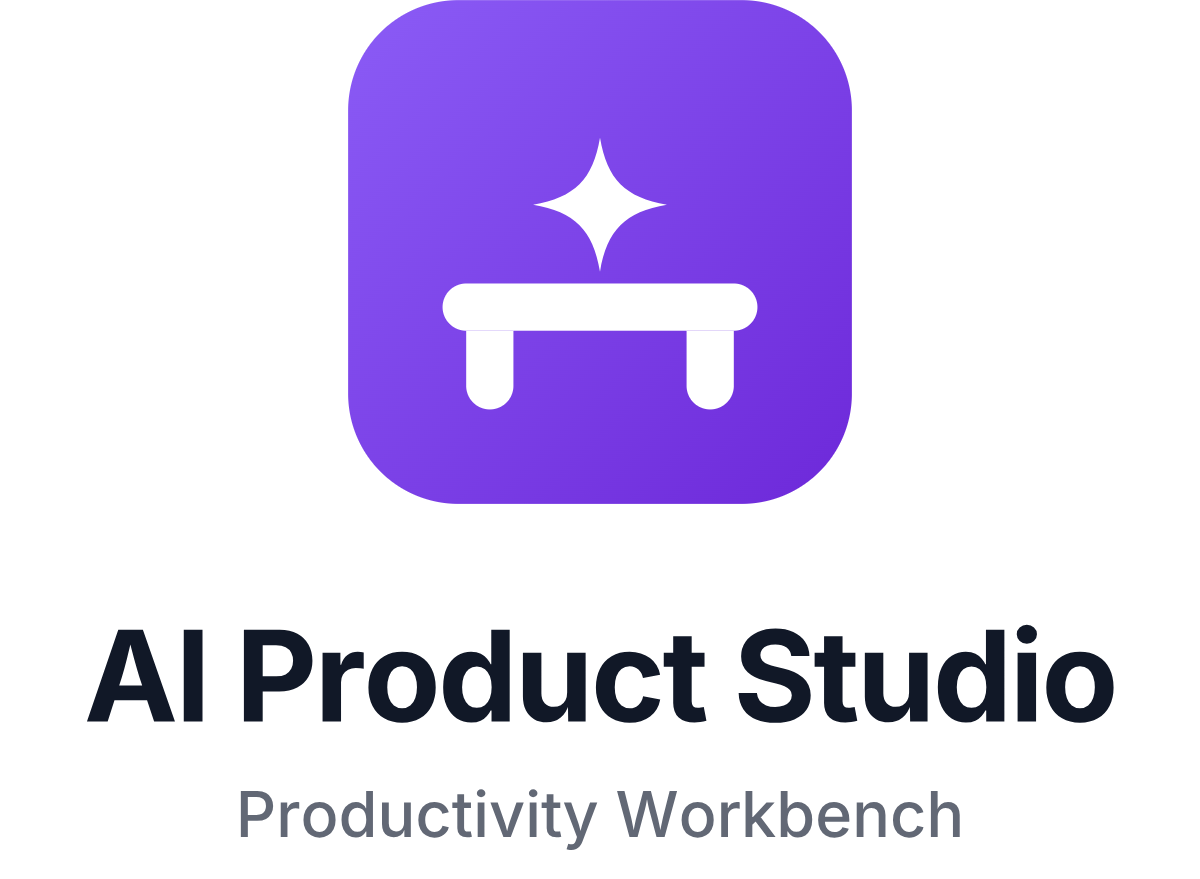
A spark on the bench
The agents at work: AI is the core of the Studio, so the spark sits where the work does.
Studio Violet #7c3aed

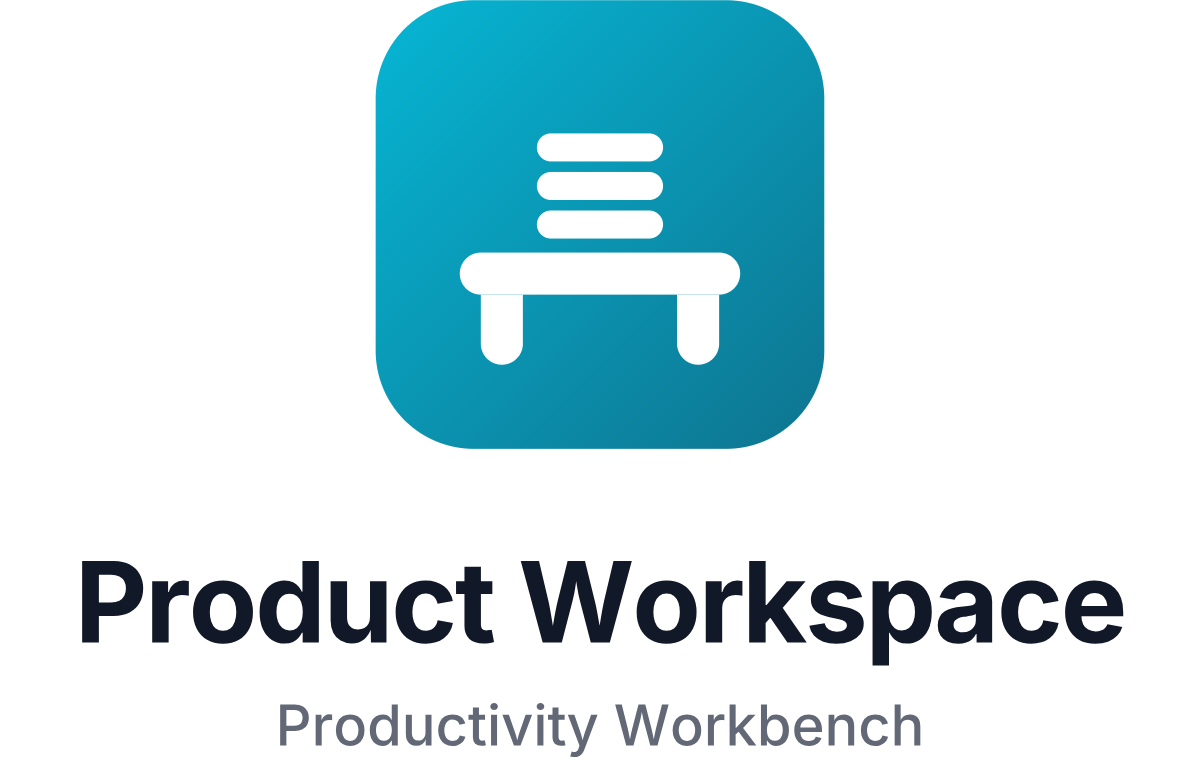
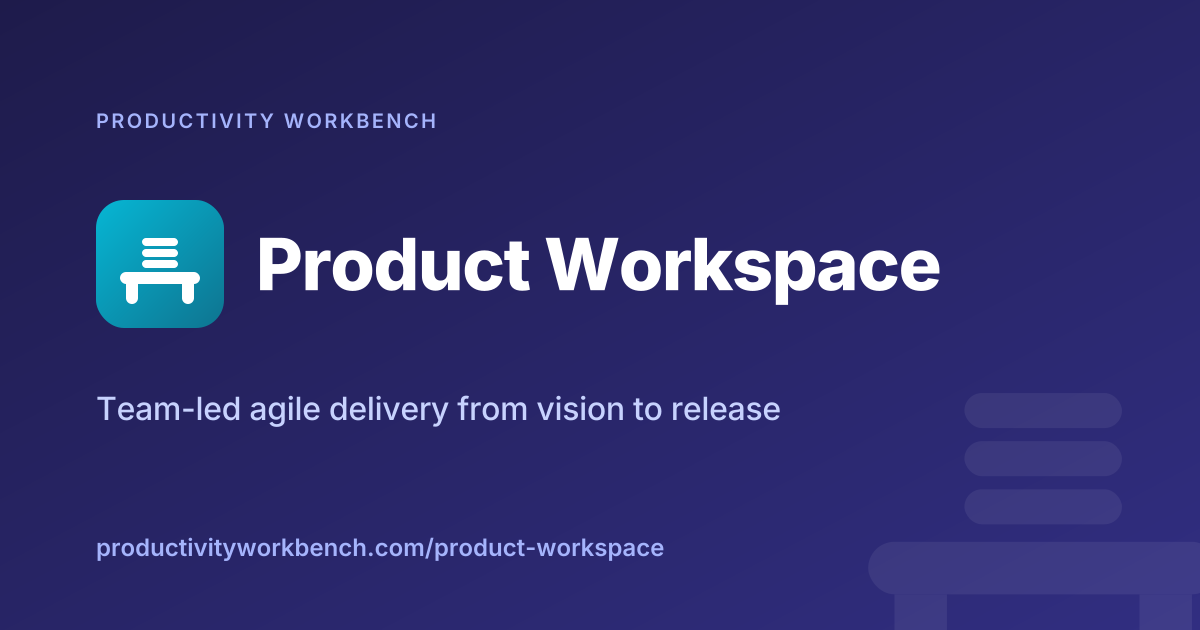
A stack of cards on the bench
The backlog: features, stories and sprints, lined up on the bench by the team.
Workspace Teal #0891b2
Clear space: a quarter of the mark's height on every side, shown dashed.


The horizontal lockup is the default. The parent's name stacks its two words so the lockup is exactly as tall as the mark; a product's name sits on one line with Productivity Workbench endorsing it beneath. Use the stacked lockup where the space is square, and the wordmark alone only where the mark is already on the page.






Each product owns one hue. The tile shows it as a gradient; the solid value is the reference for everything else, and it is the value the application already uses. CMYK figures are conversions for print proofs; the hex is definitive.
| Colour | Hex | RGB | CMYK | Gradient | In the app | Use |
|---|---|---|---|---|---|---|
| Workbench Indigo | #4f46e5 | 79, 70, 229 | 66, 69, 0, 10 | #6366f1 → #4338ca | $primary / --pw-primary (default) | The parent brand, the website, favicons and anything that speaks for the company rather than one product. |
| Studio Violet | #7c3aed | 124, 58, 237 | 48, 76, 0, 7 | #8b5cf6 → #6d28d9 | Studio gradient (#7c3aed → #4f46e5) in the app | Everything that belongs to the AI Product Studio: its sidebar, its public pages, its social cards. |
| Workspace Teal | #0891b2 | 8, 145, 178 | 96, 19, 0, 30 | #06b6d4 → #0e7490 | $accent / --pw-secondary | Everything that belongs to the Product Workspace: its sidebar, its public pages, its social cards. |
| Ink | #111827 | 17, 24, 39 | 56, 38, 0, 85 | — | $gray-900 | Wordmarks and headings on light backgrounds. The single-colour mark. |
| Ink Muted | #626875 | 98, 104, 117 | 16, 11, 0, 54 | — | $gray-500 / --pw-text-muted | The "Productivity Workbench" endorsement under a product name; secondary copy. |
| White | #ffffff | 255, 255, 255 | 0, 0, 0, 0 | — | --pw-contrast | The bench inside every tile. Wordmarks and the single-colour mark on dark backgrounds. |
| Night | #1e1b4b → #312e81 | 30, 27, 75 → 49, 46, 129 | 60, 64, 0, 71 → 62, 64, 0, 49 | — | — | The dark canvas behind social cards, banners and title slides. Colour marks and white type sit on it. |
| On Night, muted | #c7d2fe | 199, 210, 254 | 22, 17, 0, 0 | — | — | Taglines and the endorsement line on the Night canvas. |
| On Night, faint | #a5b4fc | 165, 180, 252 | 35, 29, 0, 1 | — | — | Eyebrows and URLs on the Night canvas. |
In the application, --pw-primary is a customer-chosen brand colour, so the product marks never depend on it: they carry their own colour in the file.
Everything is set in Inter, the typeface the product uses, licensed under the SIL Open Font License. The wordmarks in every file are outlined, so nothing here depends on the font being installed.
Workbench
Inter 800 Extra Bold · tracking −0.02em
Product names on social cards, banners and title slides.
Workbench
Inter 700 Bold · tracking −0.02em
The name in every lockup. Never reset in another face or weight.
Productivity
Inter 600 Semi Bold · tracking +0.12em, upper case
Eyebrows such as "PRODUCTIVITY WORKBENCH" above a product name.
Productivity Workbench
Inter 500 Medium · tracking 0
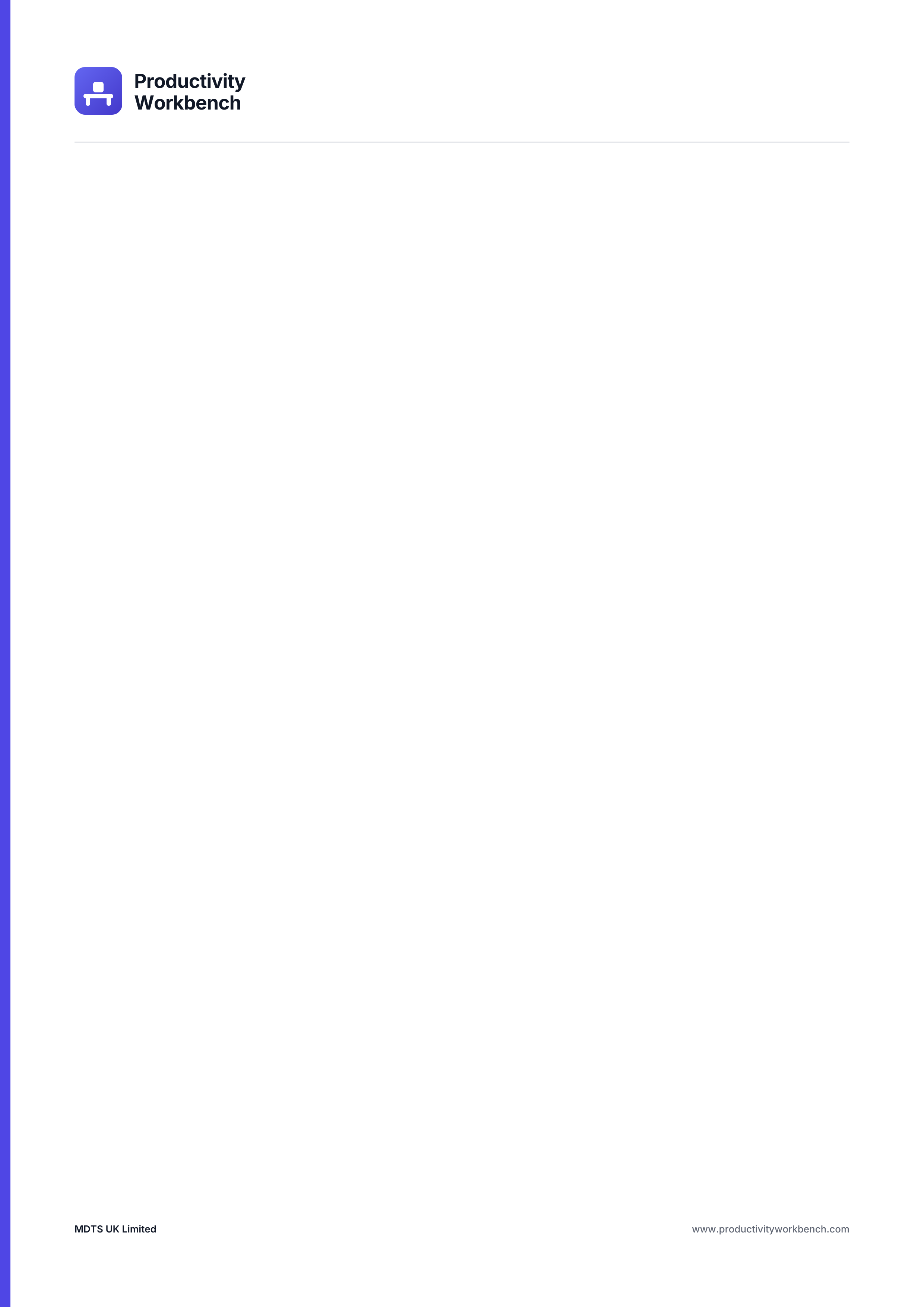
The "Productivity Workbench" line beneath a product name, and body copy on stationery.
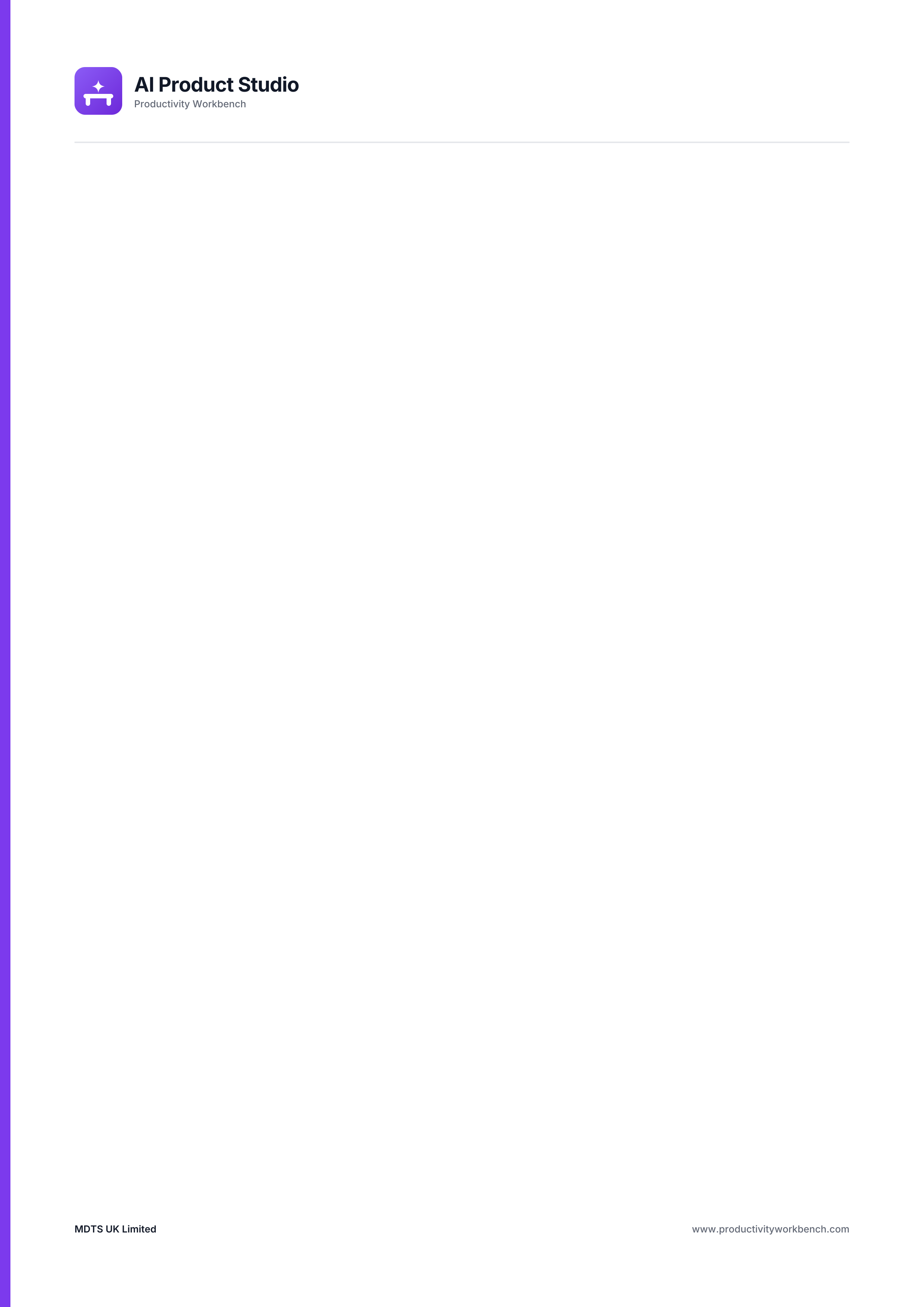
SVG is the master format and scales to any size; the PNGs are rendered from it at the sizes platforms ask for. Print files are PDF at 300 dpi with an editable SVG beside each.
Every file on this page, in one archive: the three marks and lockups, favicons and app icons, social cards, banners and stationery.

What the site itself uses. The full-bleed icons are meant to be rounded by the platform that shows them.
Productivity Workbench The tile on its own, in colour and in one colour.
The mark with the name, horizontal and stacked.
Link previews, avatars, banners and a title slide.
Print-ready at 300 dpi, with editable SVG sources.
AI Product Studio The tile on its own, in colour and in one colour.
The mark with the name, horizontal and stacked.

Link previews, avatars, banners and a title slide.
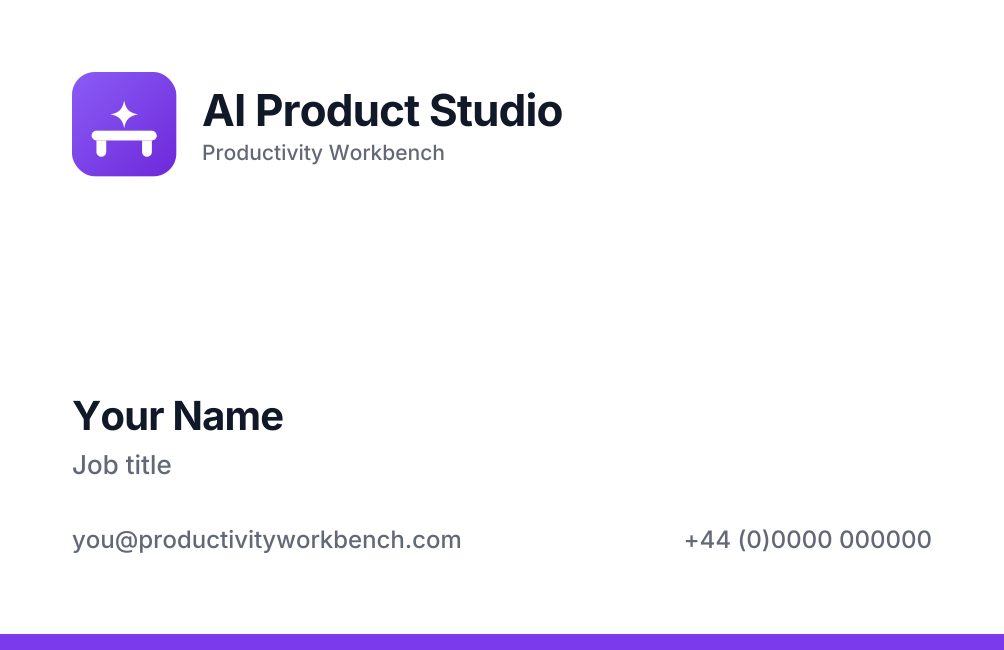
Print-ready at 300 dpi, with editable SVG sources.
Product Workspace The tile on its own, in colour and in one colour.
The mark with the name, horizontal and stacked.
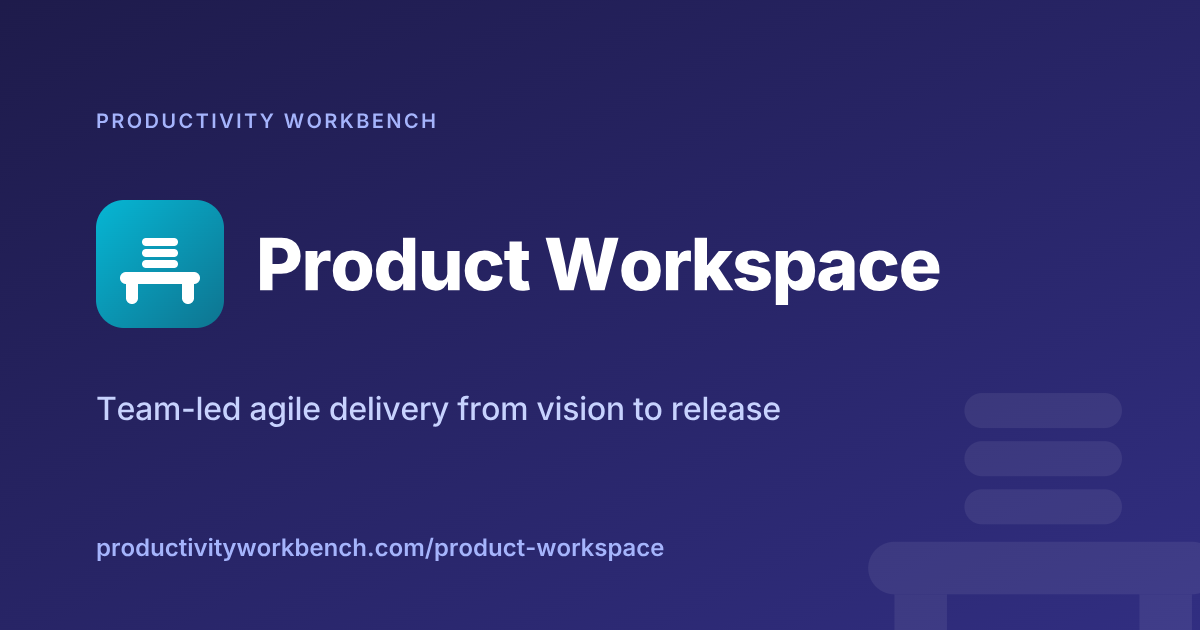
Link previews, avatars, banners and a title slide.
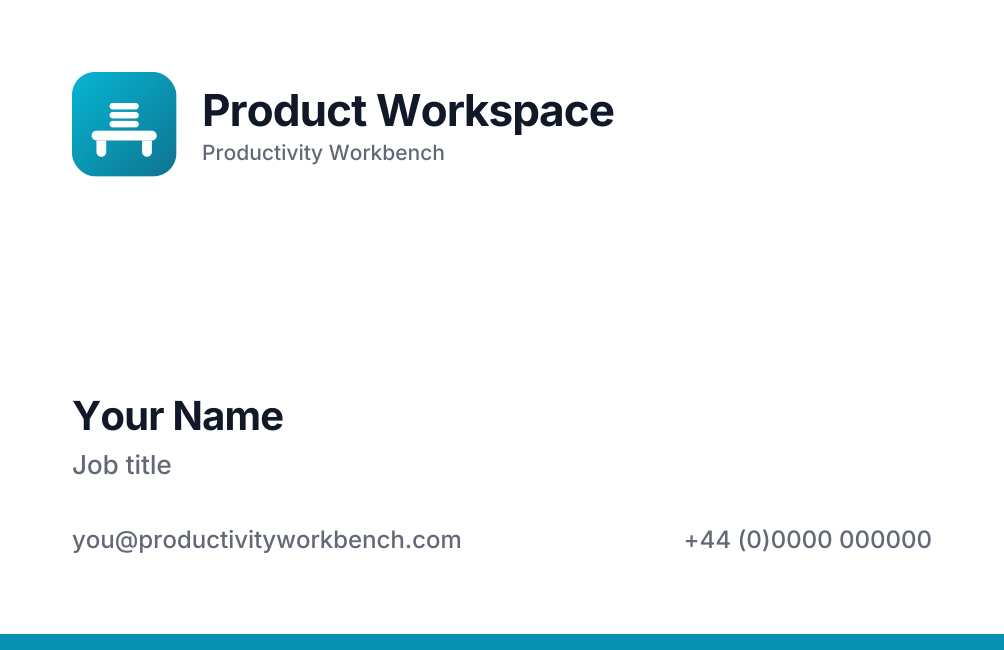
Print-ready at 300 dpi, with editable SVG sources.
Productivity Workbench, AI Product Studio, Product Workspace and the bench marks are trade marks of MDTS UK Limited. You are welcome to use them to refer to the product: in a review, a talk, a comparison, a directory listing or an integration's own page. Keep the marks as they are supplied, keep the clear space, and do not suggest that MDTS endorses or is affiliated with you. For anything else, including merchandise and co-branding, ask us first.
The files are regenerated from one script whenever the brand changes, so this page is always the current version. Link to it rather than mirroring the files.