Documentation
Plan

53 of 187 pages

Page Guides

Dashboard

The Dashboard is your workspace home screen — a real-time summary of active sprints, delivery health, and recent activity.
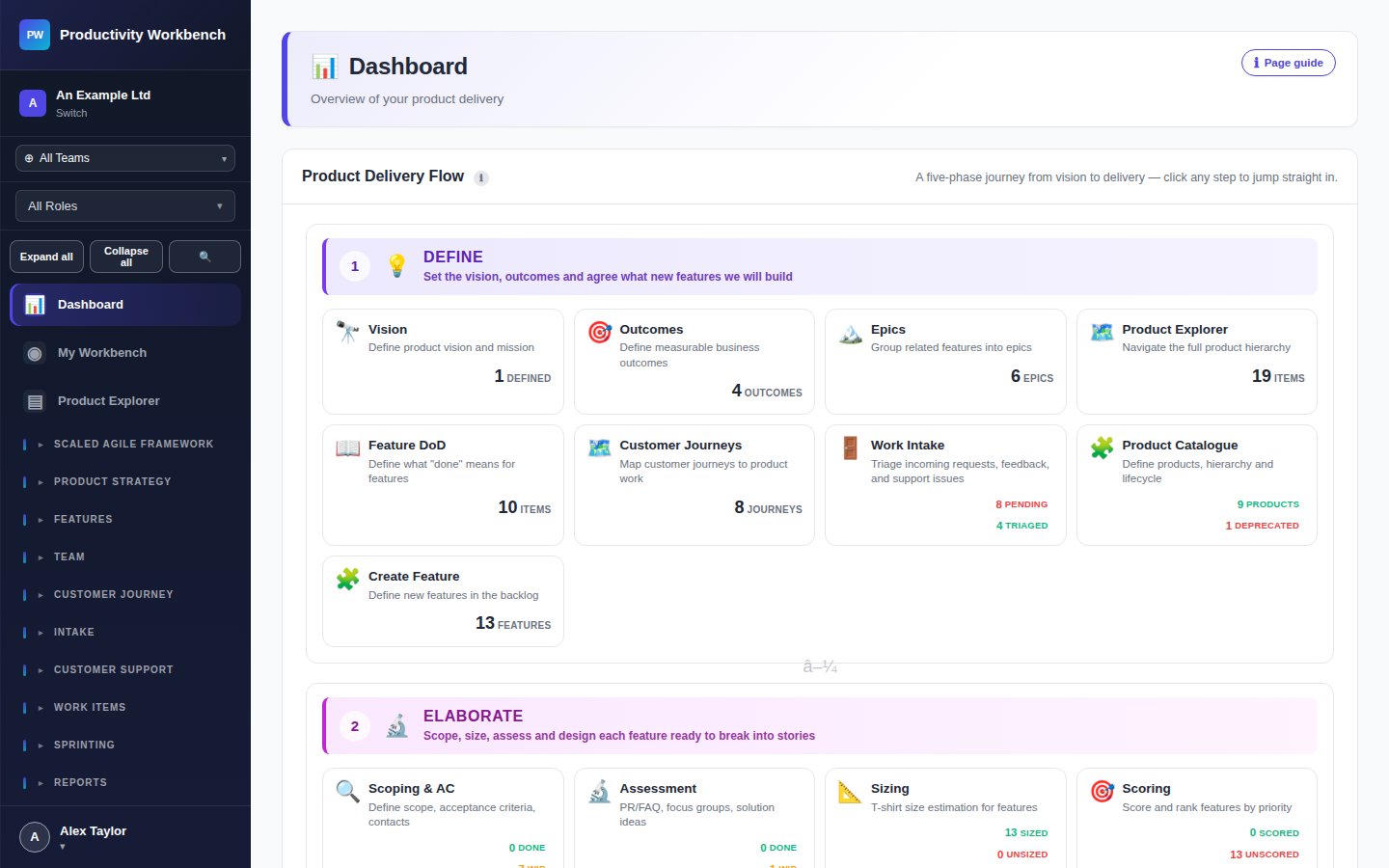
Screenshot: Dashboard page — full view

Dashboard widgets

🏃 Active Sprint

Shows the current sprint name, goal, start/end dates, and a mini burndown indicator. Click to jump directly to the Sprint Board.

📊 Sprint Progress

Story point completion percentage for the active sprint. Green = on track, amber = at risk, red = behind the ideal burndown line.

🚫 Blockers

All stories currently flagged as blocked across the active sprint. Click a blocker to jump to that story and investigate.

✨ Features in Progress

Features with status In Progress. Gives a quick read of what the team is currently delivering at the feature level.

🕐 Recent Activity

A chronological feed of recent changes across features, stories, and sprints — with user attribution and timestamps.

Tips

  • The Dashboard refreshes automatically. No manual reload needed.
  • Every widget is a navigation shortcut — click any item to jump directly to the relevant page or entity.
  • The Dashboard is the first page authenticated users see after signing in.

All Page Guides documentation

Build v0.3.2 · deployed 2026-10-19T23:52:31Z