
Features Page Guide
The Features page is your primary backlog management view. Create, filter, sort, and manage all features for your workspace.
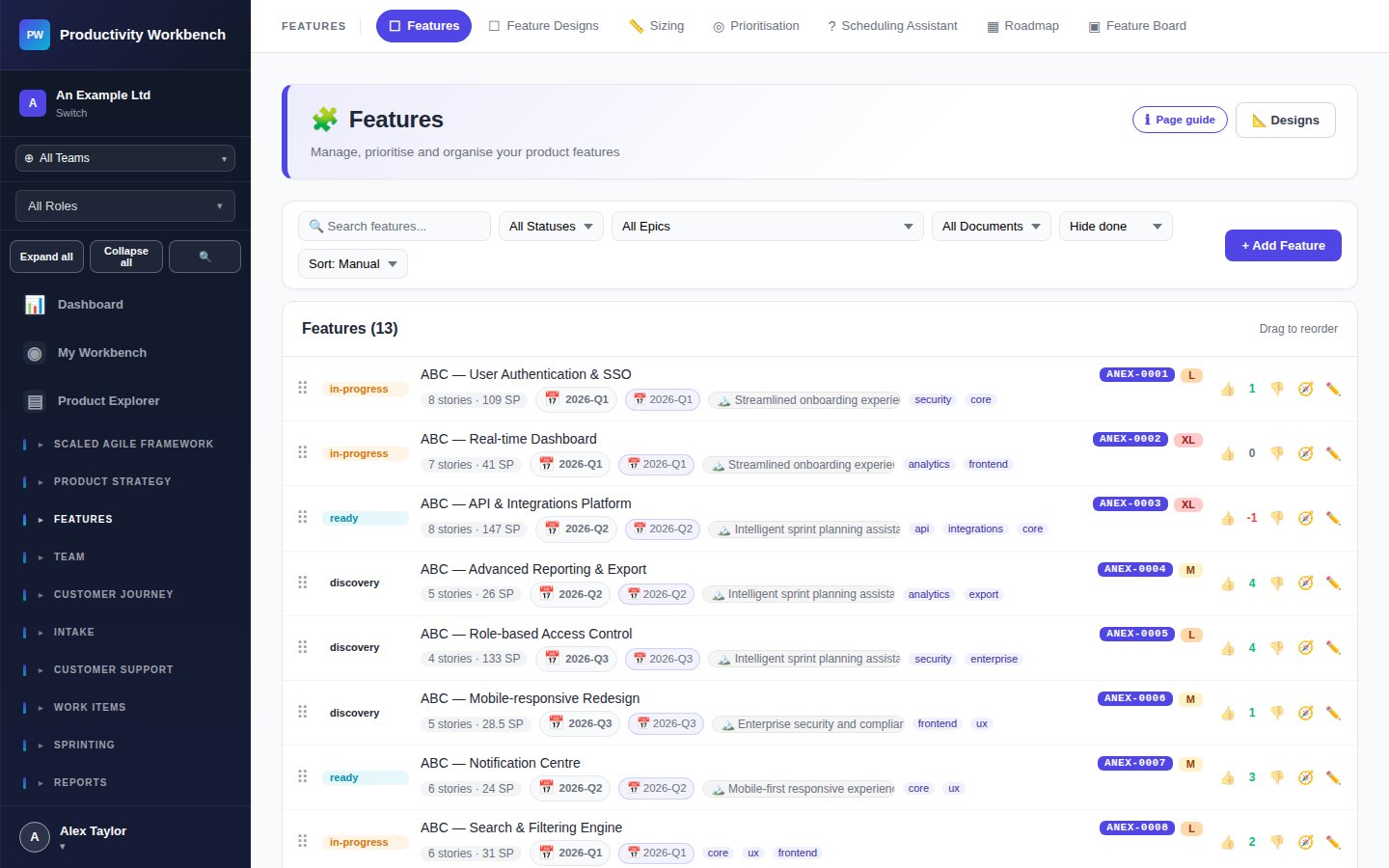
Page controls
Feature card
Each feature card shows: title, status badge, size, linked epic, story count, and last updated date. Click a card to open the Feature popup, or click Open Designer to go to the full Feature Designer page.
Feature popup fields
Title — short, outcome-oriented name. Required.
Status — Draft → In Analysis → Ready → In Progress → Done → Released
Epic — parent epic (Business+ only). Optional.
Size — T-shirt size (XS → XXL). Used for scheduling and WSJF. Business+
Priority — manual priority rank. Overridden by WSJF if scored.
Team — responsible team. Optional but recommended for multi-team workspaces.
Labels — free-form tags for grouping and filtering.
Stories — tab listing all linked work items. Add new stories from here.