
Feature Definition
Features are the core unit of work in Productivity Workbench. This guide explains how to create, refine, and manage features through their full lifecycle.
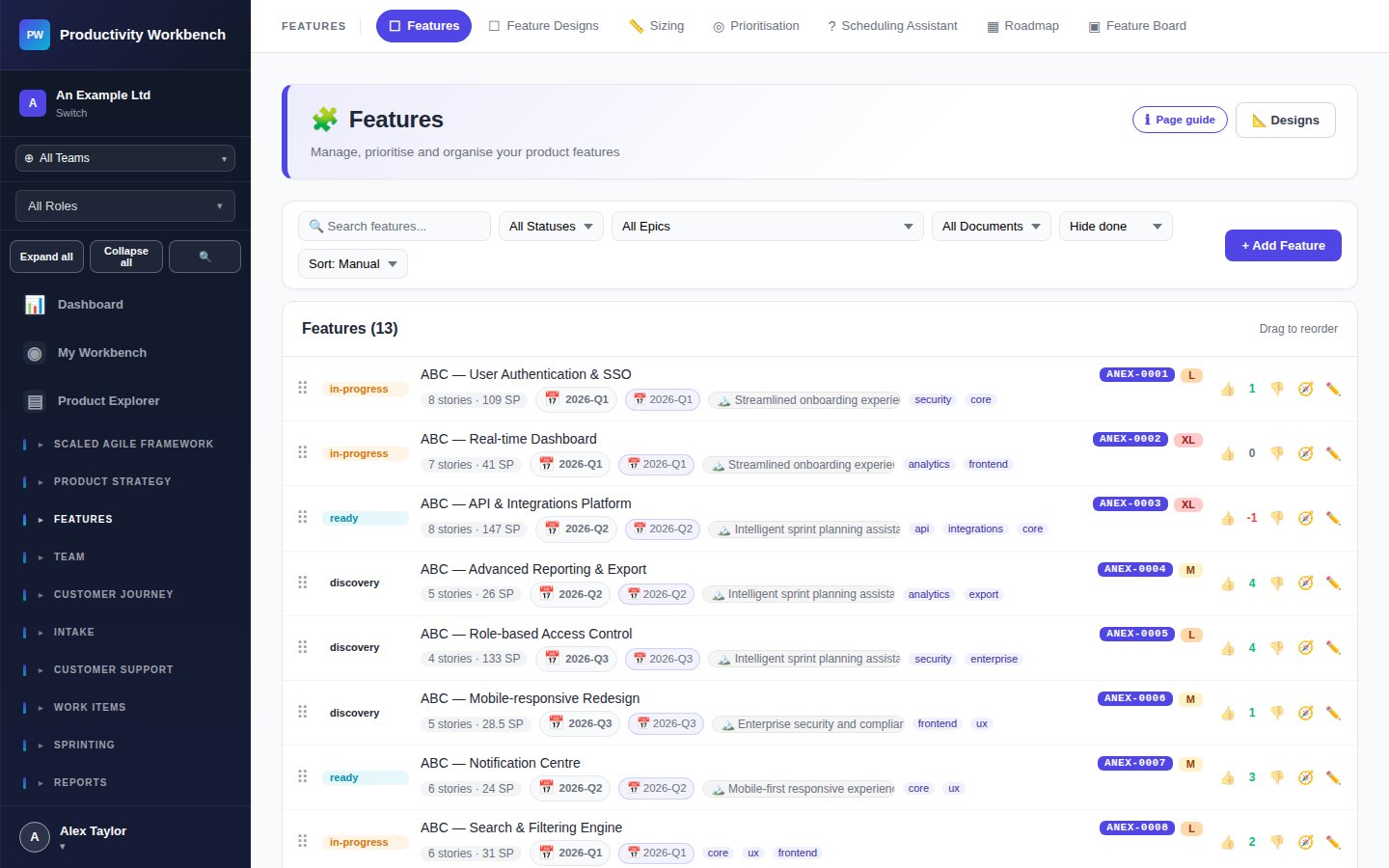
Creating a feature
Open Features
Navigate to Features in the sidebar. Click Add Feature to open the creation form.
Fill in the basics
Enter the feature title — use a clear, outcome-oriented name (e.g. "Allow users to export reports as CSV" rather than "Export button"). Optionally assign to an epic and set an initial status.
Complete the five lifecycle sections
Open the Feature Designer for full editing. Work through each tab progressively as the feature matures:
Problem statement, hypothesis, target users, business value
Acceptance criteria, scope boundaries, out-of-scope, linked stories
Wireframe links, design decisions, open questions, design sign-off
Technical notes, API changes, dependencies, blockers
Release notes, learnings, outcome tracking, retrospective notes
Feature statuses
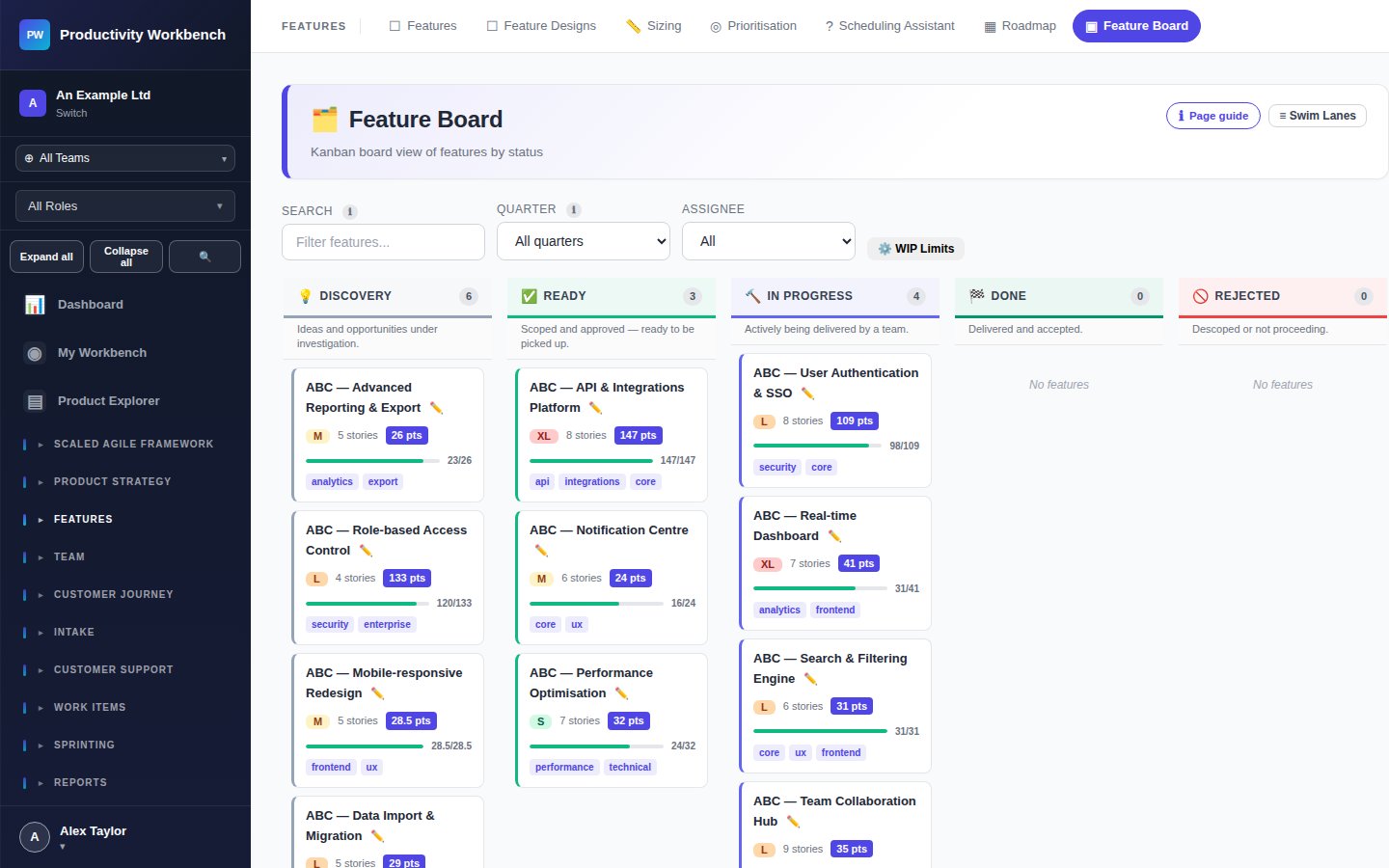
Feature Board
The Feature Board provides a kanban-style view of all features grouped by status. Use it in planning sessions to get a visual overview of work in flight.
Feature Standards (Ways of Working)
Go to Admin → Feature Standards to define your organisation's Definition of Ready and Definition of Done for features. These checklists are shown on every feature popup to guide contributors.