
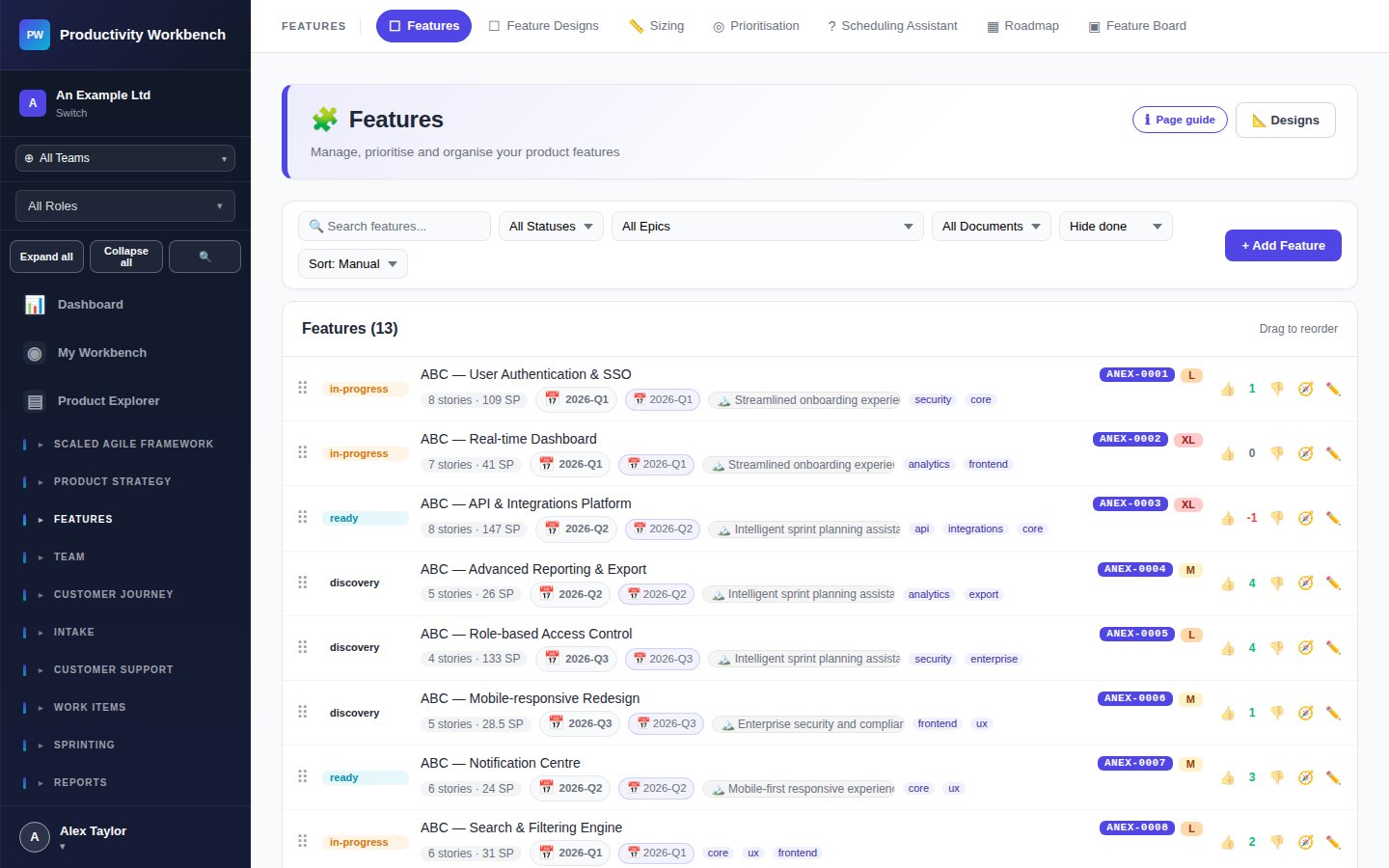
Sizing Features & Stories
Accurate sizing helps you forecast delivery dates, balance sprint loads, and prioritise effectively. Productivity Workbench supports both T-shirt sizing for features and story-point planning poker for work items.
Story Sizing — Planning Poker
Available on all tiers. Any team member can participate in a storypointing session.
1
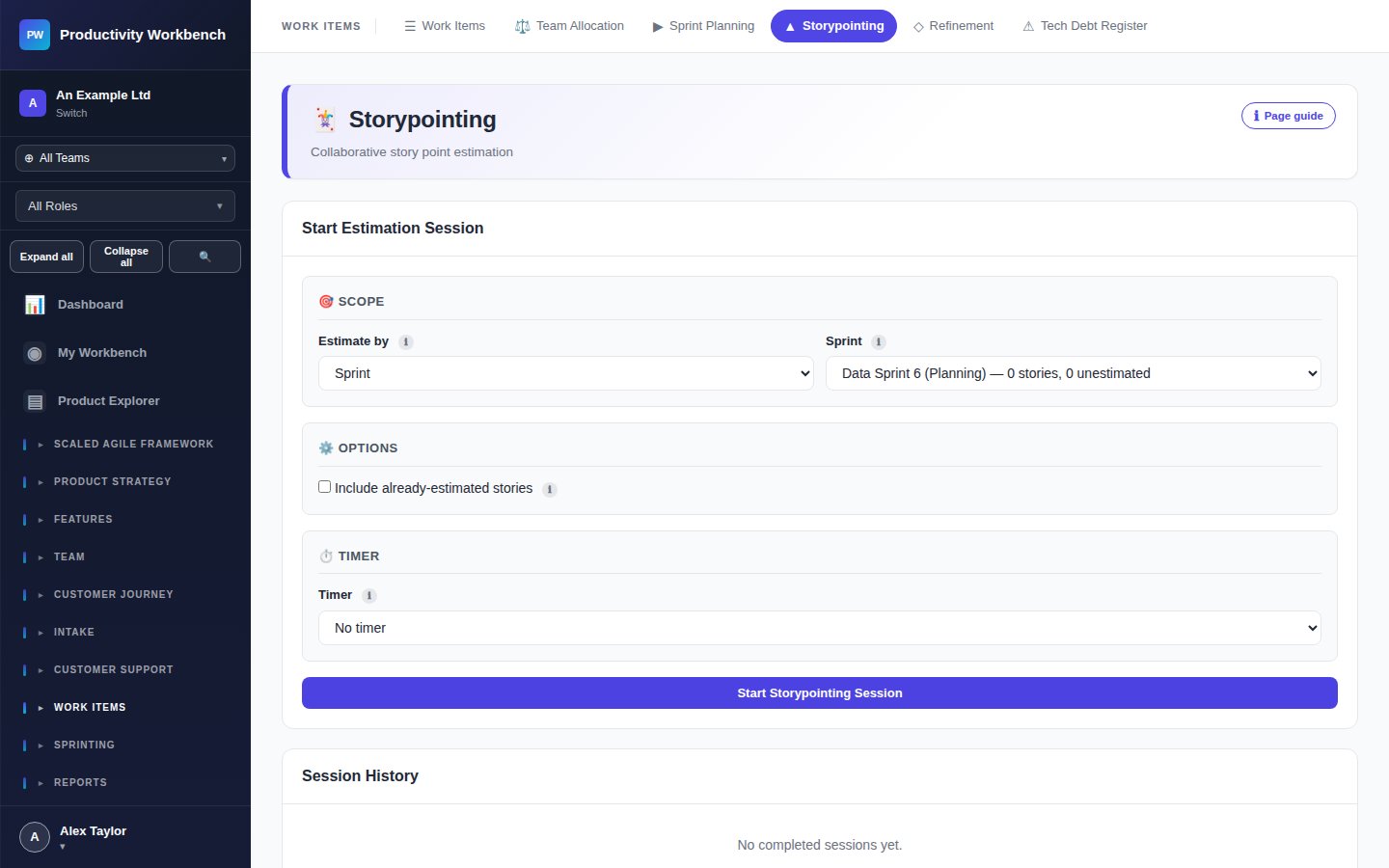
Create a session
Go to Work Items → Storypointing. Click New Session. Give it a name (e.g. "Sprint 12 refinement") and add the stories you want to size from the backlog.
2
Share the session
Share the session link with your team. Each participant opens the link and can see the active story and vote privately.
3
Reveal & agree
The facilitator clicks Reveal to show all votes simultaneously. If there is consensus, accept the estimate. If votes diverge, discuss briefly and revote. The agreed value is saved to the story automatically.
Free tier: Feature-level T-shirt sizing and the Scheduling Assistant are available on Business and above.