
Story Refinement
Refinement sessions turn rough ideas into sprint-ready stories. This guide explains how to run a productive backlog refinement session using Productivity Workbench.
What is Refinement?
Refinement (also called backlog grooming) is a regular team ceremony — typically mid-sprint — where the Product Owner and team walk through upcoming stories to ensure they are well-understood, correctly sized, and meet the Definition of Ready before being committed to a sprint.
Running a Refinement Session
Open Story Refinement
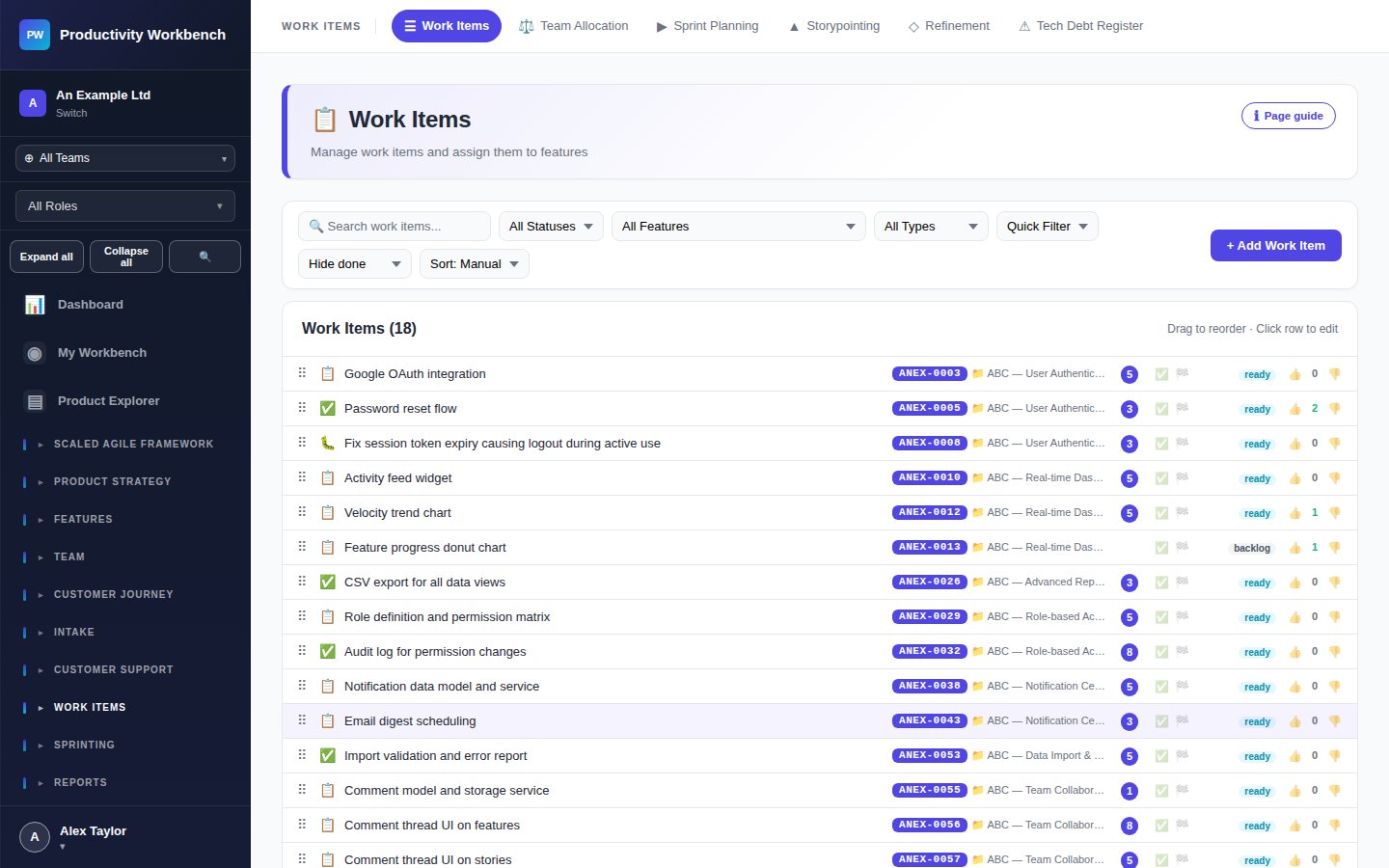
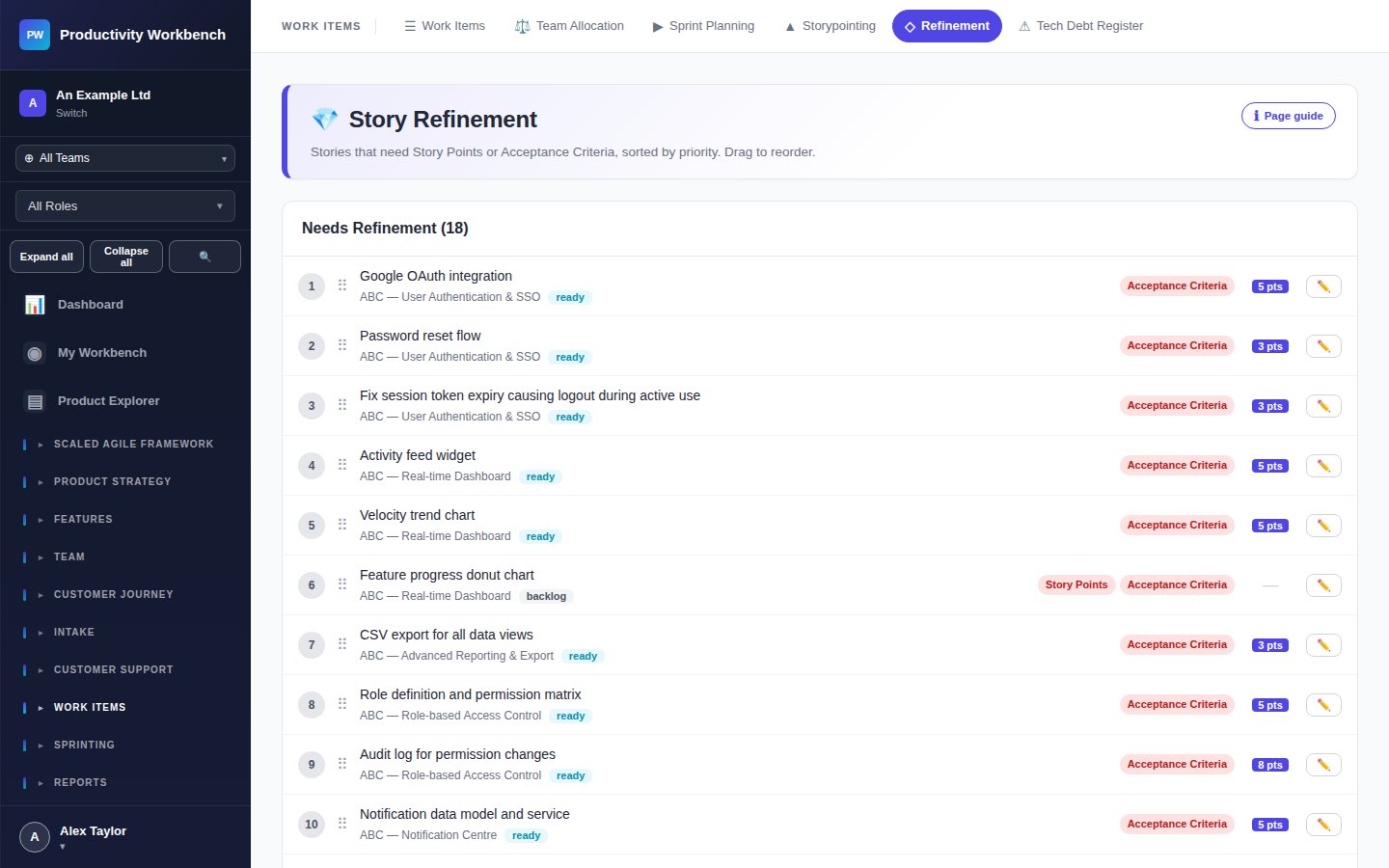
Navigate to Work Items → Story Refinement. The refinement view shows your unplanned backlog ordered by priority. Select the stories you want to refine in this session.
Walk through each story
For each story, the facilitator reads the title and description aloud. The team then discusses:
- Is the problem statement clear? Is the "why" understood?
- Are the acceptance criteria complete and testable?
- Are there any dependencies or blockers?
- Is the story small enough to be completed in a single sprint?
Update stories in real time
Editors can update acceptance criteria, labels, size, and team assignment directly during the refinement session. Changes are saved automatically.
Mark stories as Ready
When a story meets all your Definition of Ready criteria, mark it Ready. Only Ready stories should be dragged into a sprint during planning.
Size unestimated stories
Refinement is a good time to size stories that haven't been pointed yet. Launch a quick Storypointing session directly from the refinement view, or assign a rough estimate manually.
Splitting large stories
If a story is too large to complete in one sprint, split it. Patterns for splitting:
- By workflow step — e.g. "Create report" → "Generate report data" + "Export report as PDF"
- By user type — e.g. "Admin view" vs "Standard user view"
- Happy path first — implement the core success case, then add edge cases in a follow-up story
- Spike first — if the approach is unknown, create a time-boxed spike story to investigate before committing to implementation
Definition of Ready checklist
A story is Ready for a sprint when:
- The title clearly describes the user action and benefit
- Acceptance criteria are written and agreed
- The story is sized (story points assigned)
- Dependencies are identified and either resolved or tracked
- No outstanding blockers
- Team member assigned (or team nominated)
Configure your own DoR at Admin → Story Standards.