Documentation
Plan

53 of 187 pages

Page Guides

My Workbench

A personal productivity view showing your assigned stories, upcoming sprint deadlines, and personal metrics.
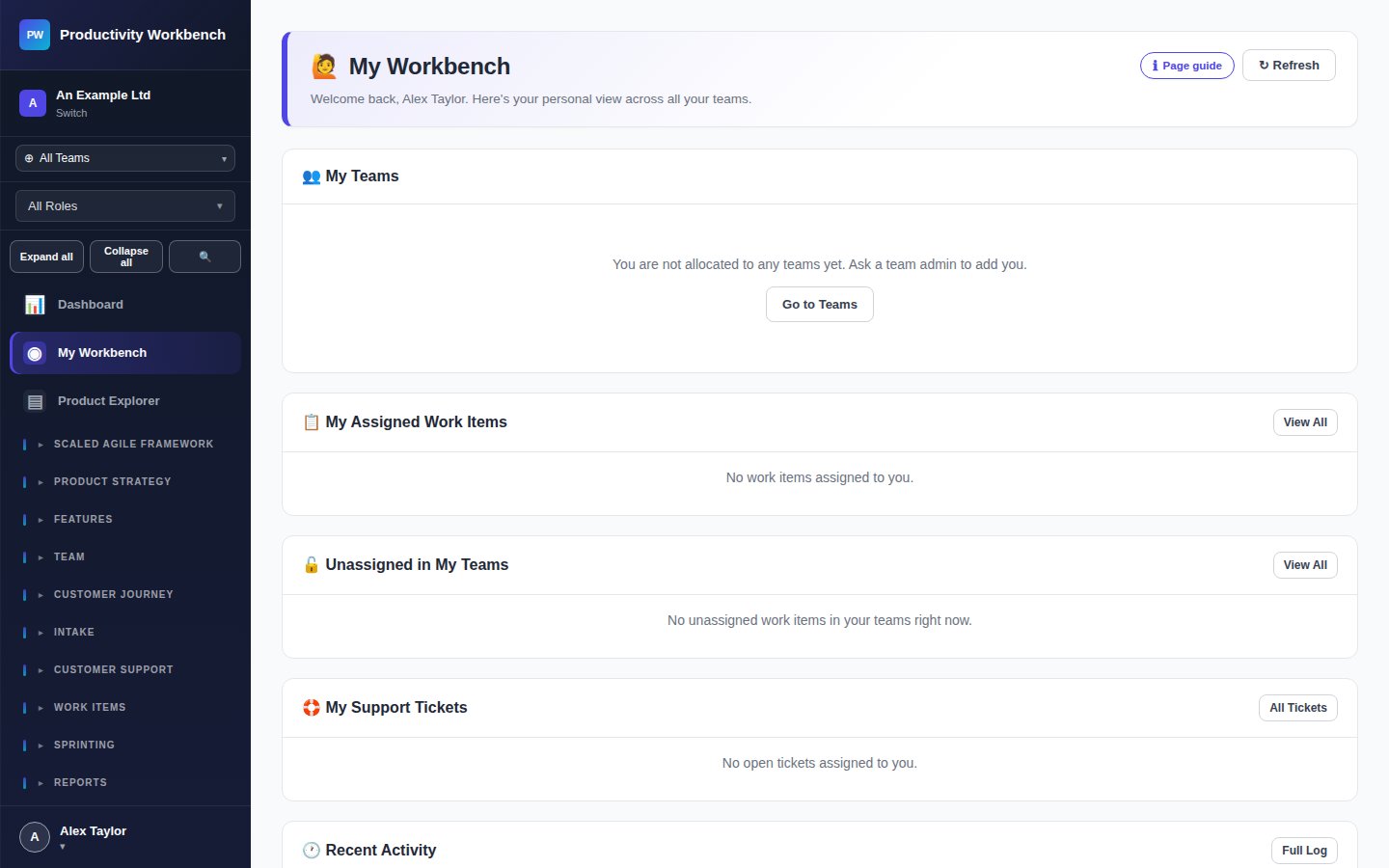
Screenshot: My Workbench — personal view

What My Workbench shows

My Stories

All stories assigned to you in the active sprint, grouped by status. Click any story to open its popup.

My Blockers

Stories assigned to you that are currently flagged as blocked. Take action to resolve or escalate.

Sprint progress

Your personal contribution to the sprint — points completed vs. assigned, and days remaining.

Upcoming ceremonies

Next standup, planning, and retrospective dates from your team's cadence calendar.

Viewing a colleague's workbench

Product Owners and Admins can view any team member's Workbench by navigating to /me/:userId or clicking on a team member's name in the Teams page. Useful for 1:1 meetings and performance discussions.

All Page Guides documentation

Build v0.3.2 · deployed 2026-10-19T23:52:31Z