Documentation
Plan

53 of 187 pages

Page Guides

Retrospective

Run your end-of-sprint retrospective ceremony and track improvement actions across sprints.
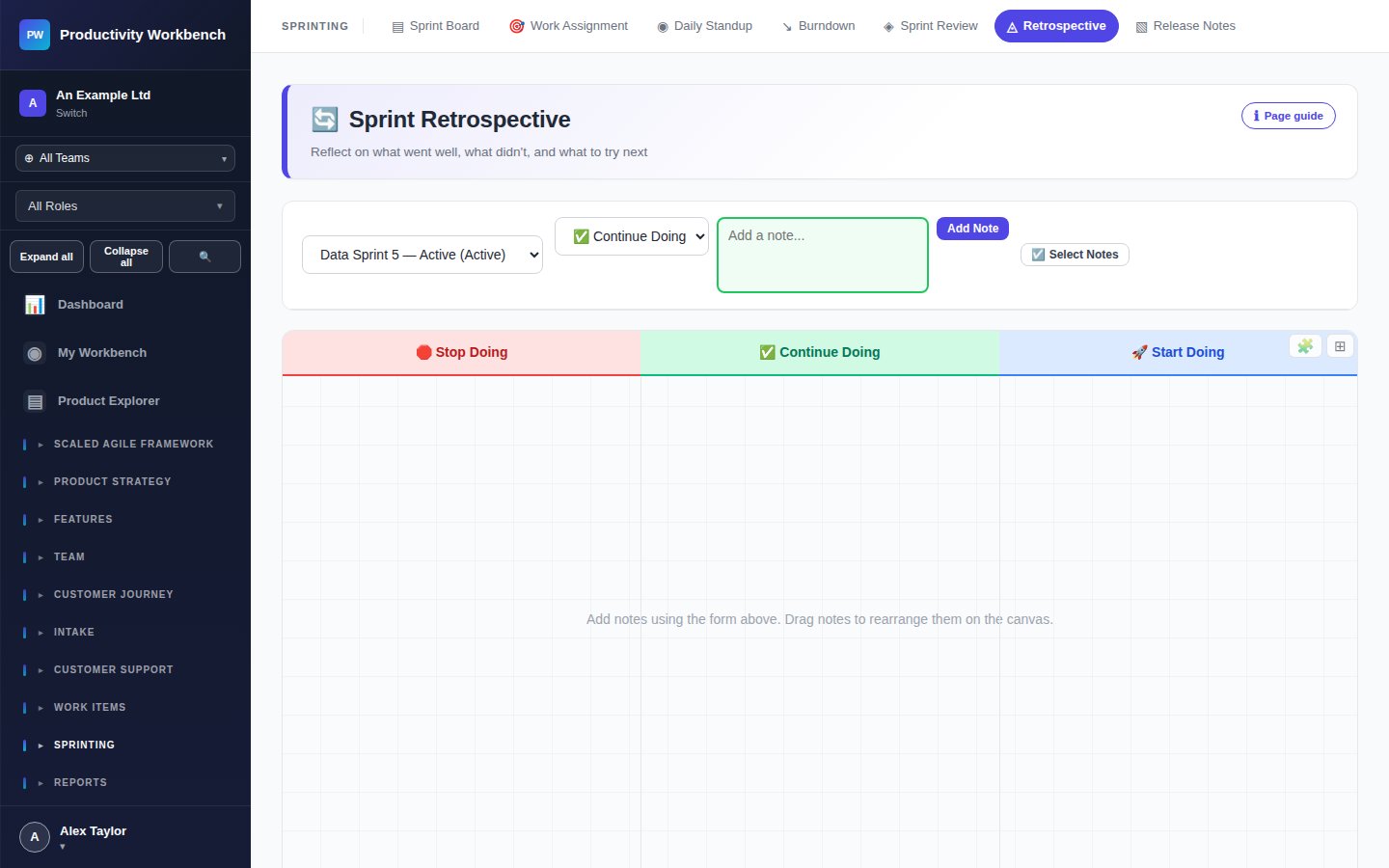
Retrospective board — three-column view

Page controls

Format selector

Choose your retro format: Went Well / To Improve / Actions (default), Start / Stop / Continue, or 4Ls.

Add card

Each column has a text input to add observations. Press Enter to submit a card anonymously, or include your name.

Dot vote

Team members can vote (👍) on cards to surface the most important items. Each person has a limited number of votes.

Group cards

Drag related cards onto each other to group them under a theme. The group title can be renamed.

Previous actions

Open actions from previous sprints are shown at the top of the Actions column. Mark them complete or carry forward.

Close retro

Archives the session. Open actions carry forward to the next retrospective automatically.

Action tracking

Every action card has an Owner and a Due Sprint. Actions without an owner are highlighted in amber — unowned actions are rarely resolved. The Productivity Report includes an action completion rate metric over time.

All Page Guides documentation

Build v0.3.2 · deployed 2026-10-19T23:52:31Z