
Sprint Review
The formal ceremony for accepting completed work and gathering stakeholder feedback at the end of a sprint.
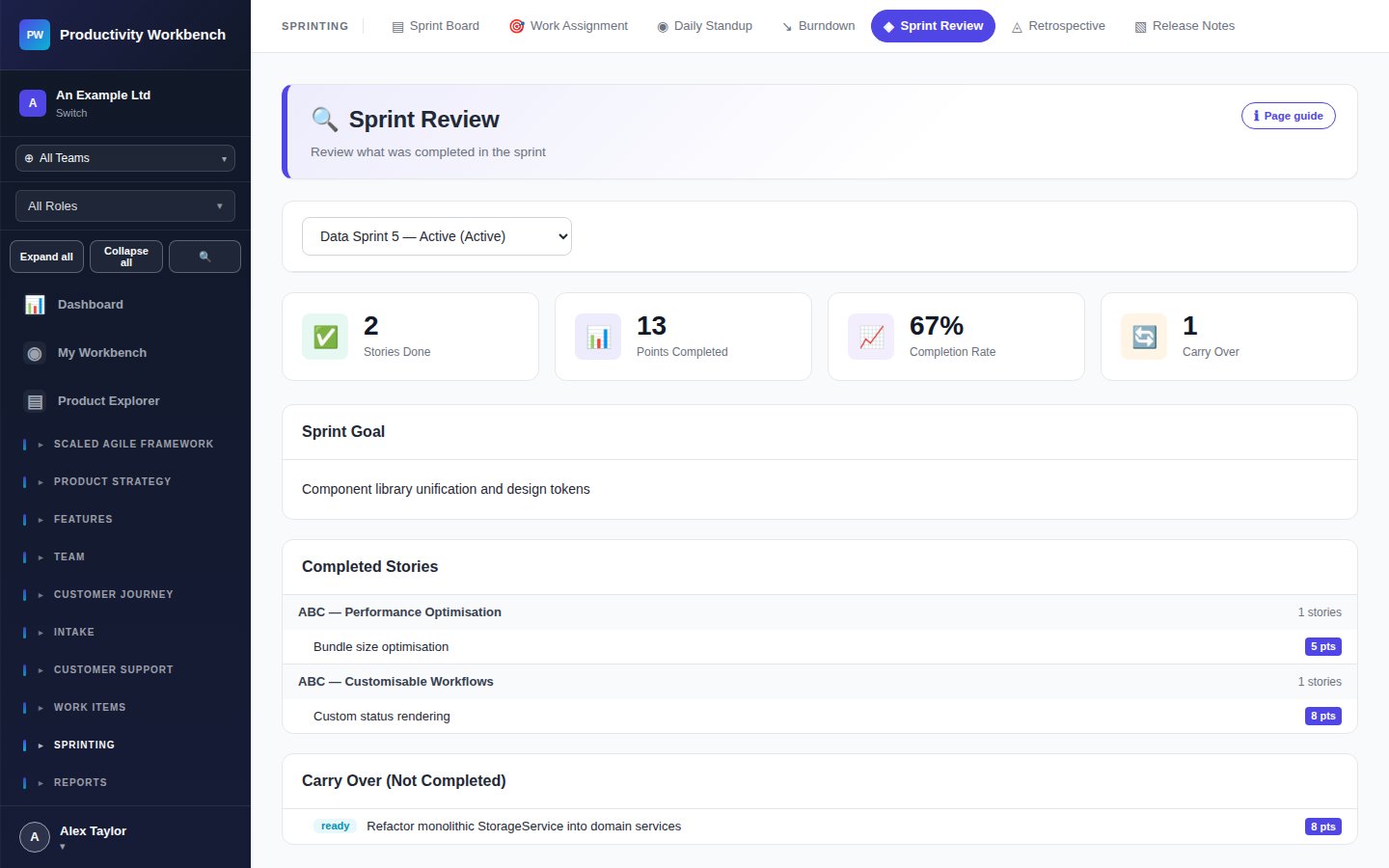
Running the Sprint Review
Open Sprint Review
Navigate to Sprint Review & Retro → Sprint Review. Select the sprint being reviewed. The page loads all sprint stories grouped by status.
Demonstrate completed stories
Walk stakeholders through the stories in the Done column. For each story, demonstrate it against the acceptance criteria. Stakeholders provide feedback — capture it in the Feedback field.
Accept or reject stories
For each story, formally accept (?) or reject (?) it based on whether it meets the acceptance criteria. Rejected stories return to the backlog with the rejection reason attached.
Handle carry-over
Stories still In Progress or To Do at sprint close are offered for carry-over. Decide whether to move them to the next sprint backlog or return them to the unplanned backlog.
Close the sprint
Click Close Sprint. This archives the sprint, finalises velocity metrics, and generates the release notes draft. The sprint remains visible in history.
Sprint Review metrics
After close, the Sprint Review summary shows: completed points vs. planned, acceptance rate, carry-over count, and stakeholder feedback themes. These feed into the Planning Report.