
Ways of Working
Capture and enforce your team's agreed standards — Definition of Ready, Definition of Done, and reusable text templates — so every contributor works to the same quality bar.
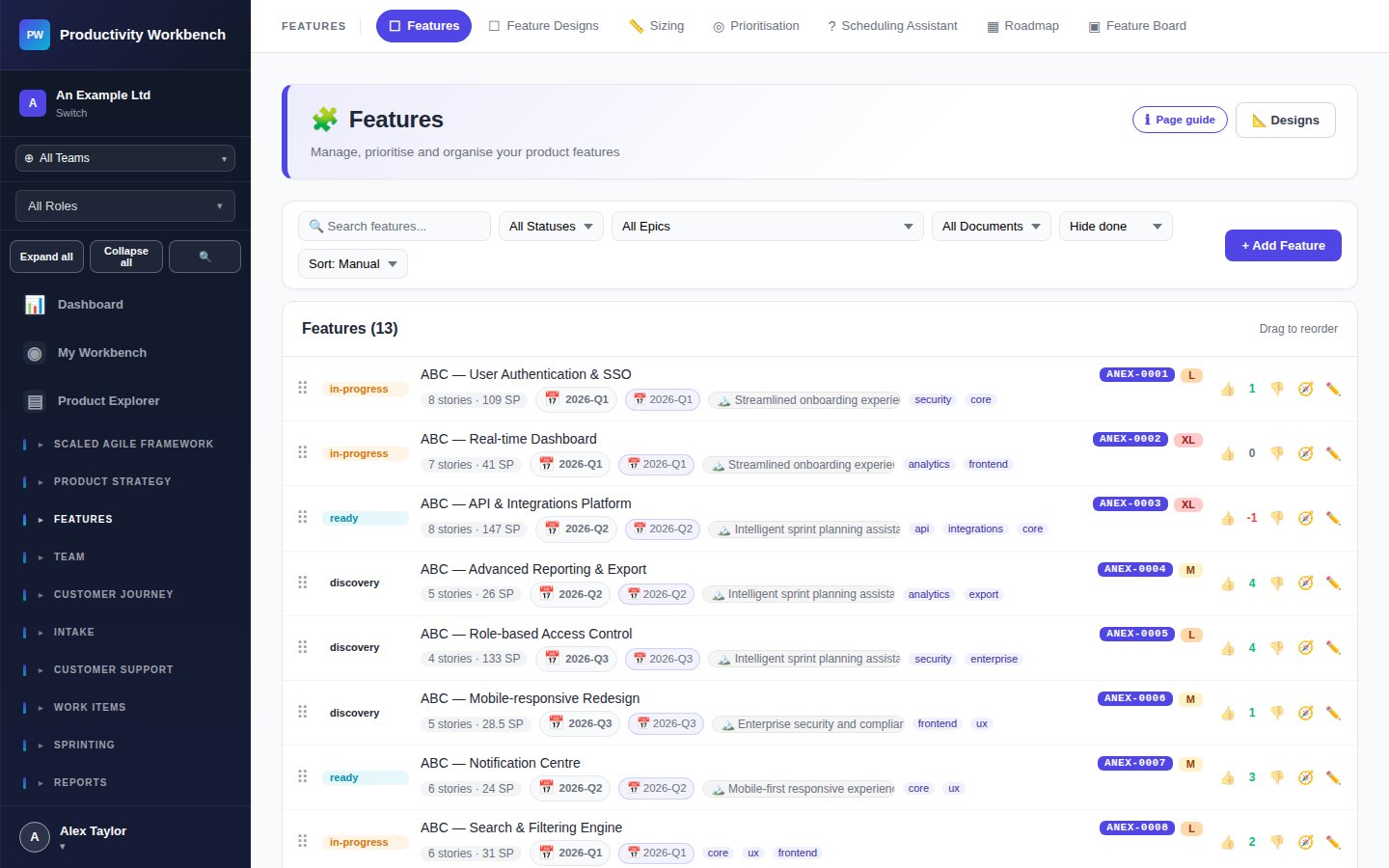
Feature Standards (DoR & DoD)
Go to Admin → Feature Standards. Define two checklists:
Definition of Ready (DoR) for Features
The criteria a Feature must meet before development begins. Typical items:
- Problem statement written
- Acceptance criteria agreed
- Designs linked or signed off
- Dependencies identified
- Feature sized
The DoR checklist appears on every Feature popup, prompting contributors to complete each item.
Definition of Done (DoD) for Features
The criteria a Feature must meet before it can be marked as Done. Typical items:
- All stories completed and DoD-compliant
- Acceptance testing passed
- Release notes written
- Deployed to production
- Outcome metric tracked
Story Standards (DoR & DoD for Stories)
Go to Admin → Story Standards. Configure separate DoR and DoD checklists for individual work items. These appear on each story popup during refinement and sprint delivery.
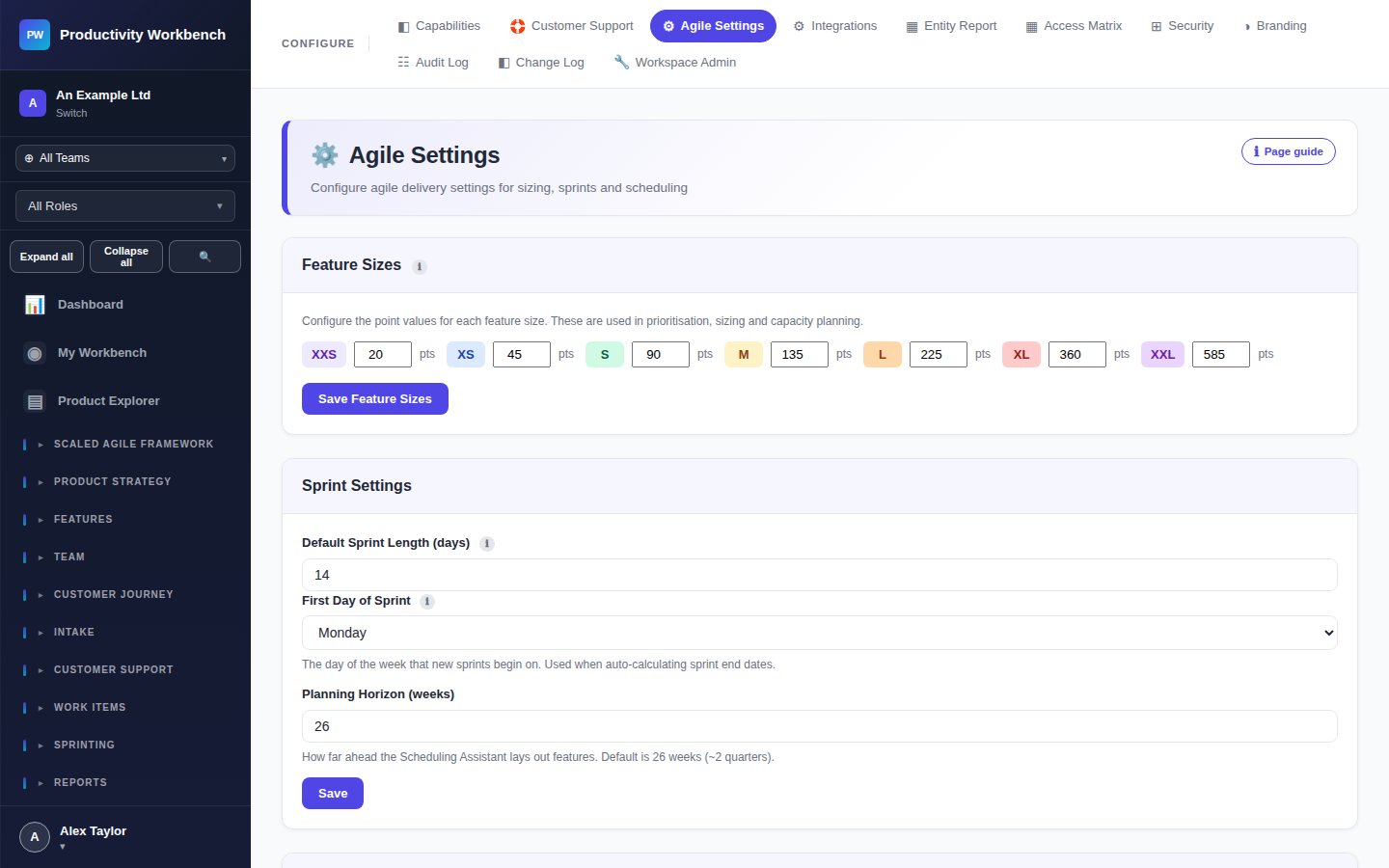
Text Templates
Go to Admin → Text Templates. Create reusable markdown templates for common story and feature descriptions. Templates are available via a Use Template button when creating new work items — saving time and ensuring consistent structure.
Useful templates to create:
- User story format: As a [user], I want [action], so that [benefit]
- Bug report: Steps to reproduce / Expected / Actual / Environment
- Spike: Goal / Time-box / Definition of done / Output format
- Feature discovery: Problem / Hypothesis / Target users / Success metric
Cadences & Ceremonies
Go to Admin → Cadences & Ceremonies. Configure your regular sprint ceremonies with time, duration, and participants. This feeds the calendar view and ensures ceremonies are visible to all team members at the start of each sprint.