
Support
Raise and track support requests for your organisation — billing queries, technical issues, access problems, and feature requests — all in one place.
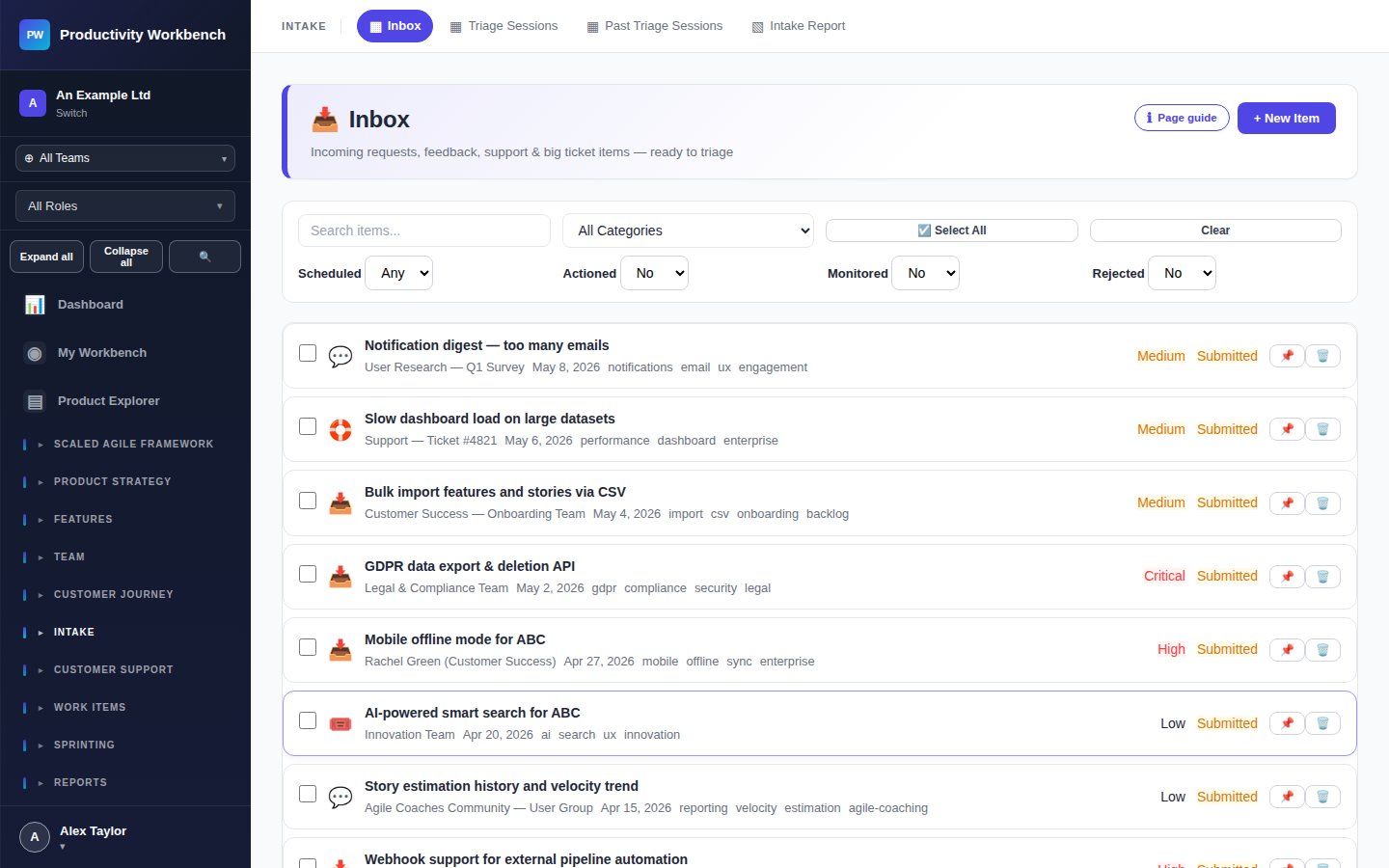
Raising a support ticket
Click New Ticket. Select a category (Billing, Technical, Access, Feature Request, Governance / Compliance). Describe the issue clearly, including the affected workspace(s), any error messages, and steps to reproduce. Attach screenshots where helpful.
Support tiers & SLAs
| Plan | Support channel | Response SLA | Priority routing |
|---|---|---|---|
| Free | Community forum only | Best effort | No |
| Business | Tickets + email | 2 business days | No |
| Enterprise | Tickets, email + phone | 4 hours (P1); 1 day (P2) | Yes — named CSM |
Priority levels
- P1 — Critical: Organisation-wide outage or data access failure. 24/7 response for Enterprise.
- P2 — High: Key feature unavailable, affecting multiple users. Business-hours response.
- P3 — Normal: Single-user issue, question, or non-urgent bug.
- P4 — Low: Feature request, documentation feedback, cosmetic issue.
Enterprise: Customer Success Manager
Enterprise organisations have a named Customer Success Manager. Your CSM's contact details appear at the top of the Support page. Use them for strategic guidance, onboarding, and escalations above P2.