
Workspace Templates
Create reusable workspace configurations that new workspaces inherit on creation — pre-populated with your standard hierarchy, Definition of Done checklists, sprint settings, team roles, and working conventions.
What a template contains
Hierarchy Level — Default hierarchy (Vision→Epic→Feature→Story or just Feature→Story, etc.) for new workspaces.
Definition of Done — Organisation-standard DoD checklists for Features and Stories. New workspaces start with these and can extend (but not delete) them.
Definition of Ready — Standard DoR checklists.
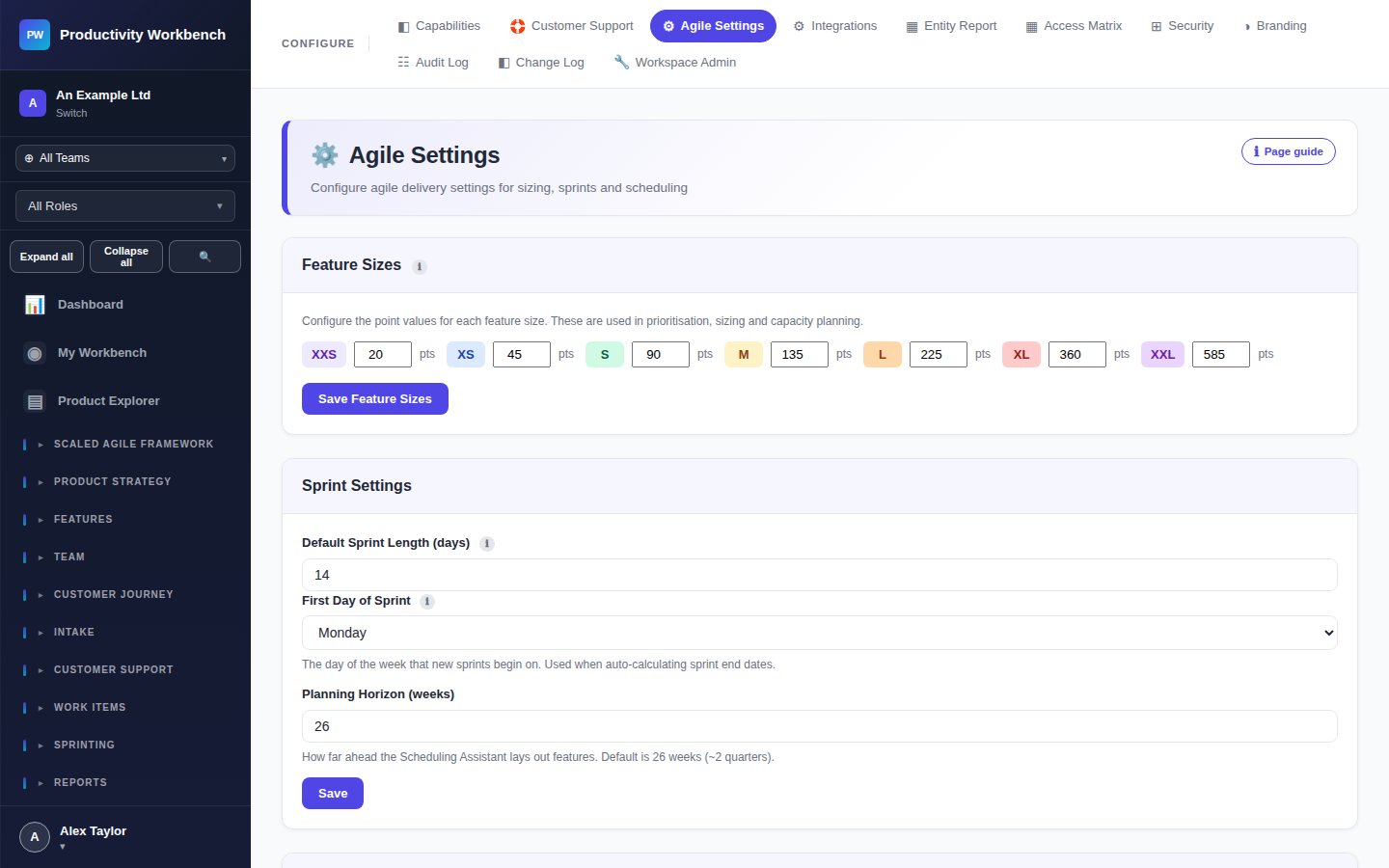
Sprint Settings — Default sprint length, working days, velocity target, and storypointing scale.
Feature Sizes — Standard T-shirt size definitions (S/M/L/XL/XXL) with point range guidance.
RBAC Defaults — Default role assignments for standard personas (Product Owner, Scrum Master, Developer).
Bolt-Ons — Pre-activate selected bolt-ons for all new workspaces from this template.
Creating a template
Click New Template. Give it a name and description. Configure each section. Save. You can create multiple templates for different team types (e.g. "Feature Team", "Platform Team", "Discovery Workstream").
Applying templates
When a new workspace is created, the workspace creator selects a template from the organisation's template library. Templates can also be retroactively applied to existing workspaces (Diff view shows what would change before applying).