
Feature Designer
The Feature Designer is the full-page editing environment for a single feature — providing more space than the popup for writing detailed discovery, definition, and design content.
Accessing the Feature Designer
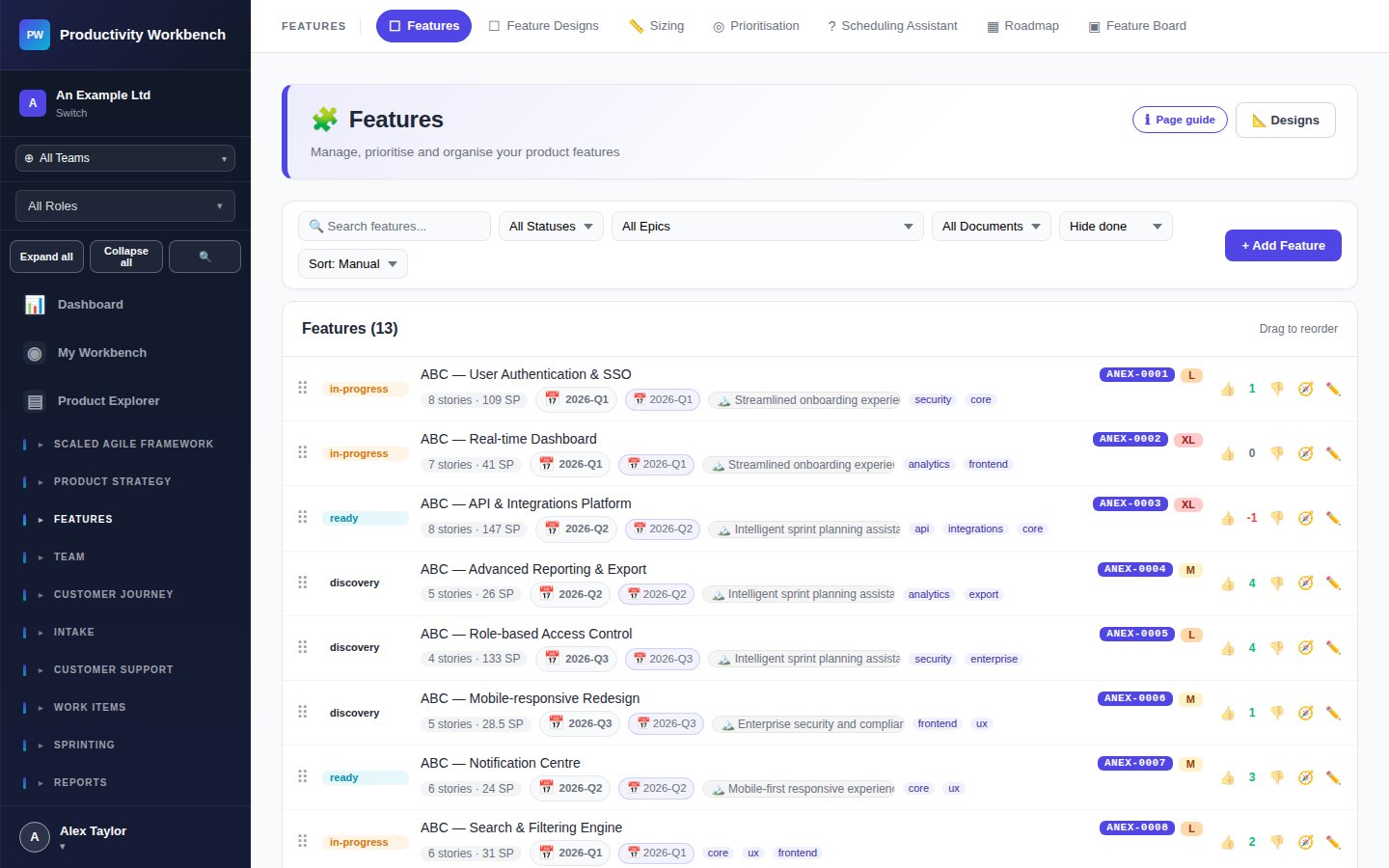
From the Features page, click Open Designer on any feature card, or press Ctrl+D while a feature popup is open. The Designer opens in the same browser tab; use the browser Back button to return to the Features list.
The five sections
Problem statement, hypothesis, target users, business value, success metric
Acceptance criteria (rich text), scope inclusions and exclusions, linked stories count
Wireframe / Figma links, design decisions, open questions, sign-off status
Technical notes, API changes, test coverage notes, known dependencies
Release notes draft, learnings, outcome metric tracking, retrospective observations
Section completion indicators
Each tab shows a completion indicator (empty / partial / complete) based on how many required fields have been filled. A feature can only be moved to Ready status when all DoR items are satisfied — the indicator helps track progress.
Stories tab
The Stories tab lists all work items linked to this feature. You can add new stories directly from here without navigating away. The story count and total story points are shown in the tab label.
Collaborative editing
Multiple users can have the Feature Designer open simultaneously. Fields being actively edited by another user are shown with a lock indicator — edits from the remote user will not overwrite a field you are currently typing in. Changes are merged when you save or navigate away.