
Story Refinement
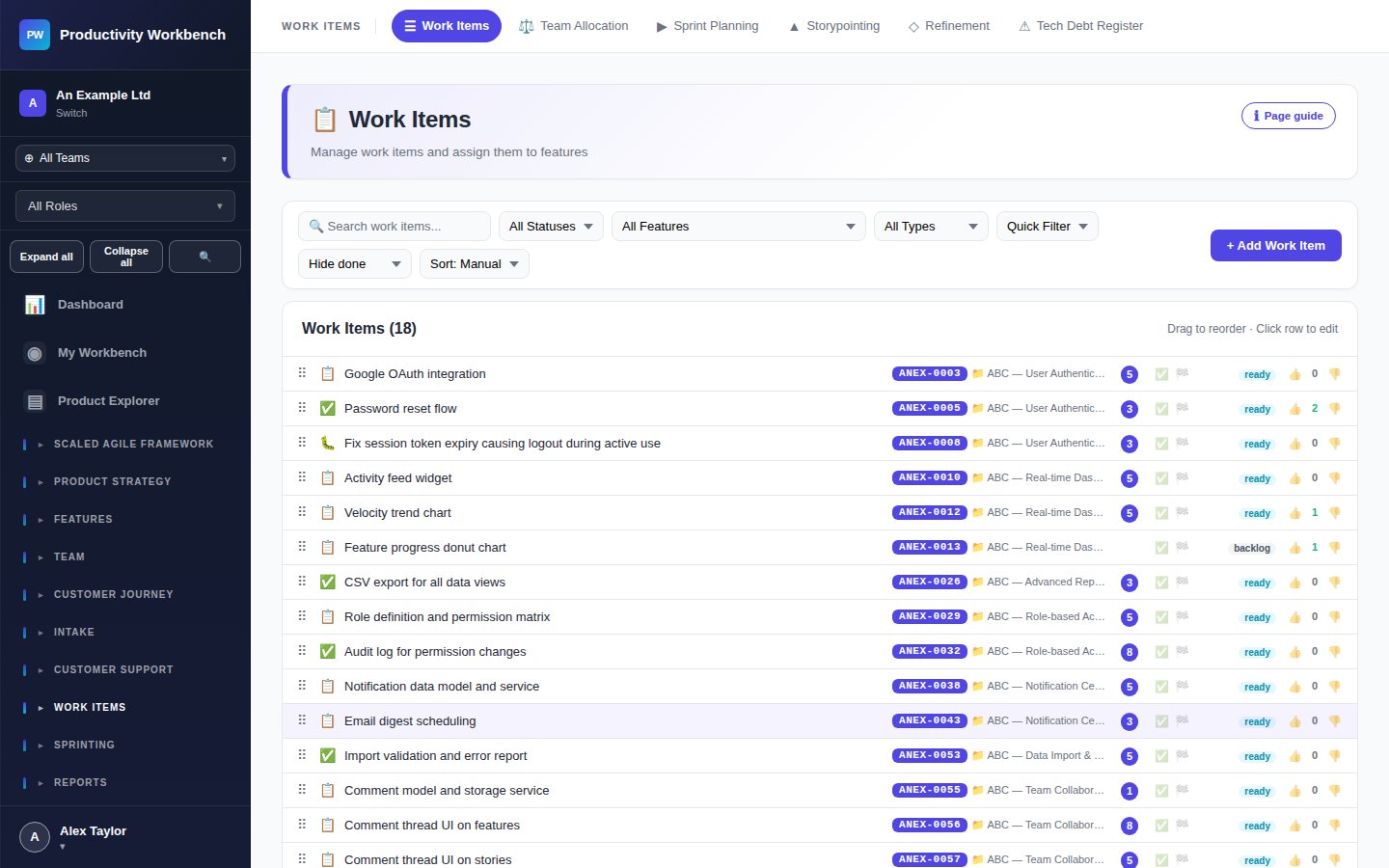
A dedicated facilitation view for running structured backlog refinement sessions — review Stories, update criteria, assign estimates, and mark them Ready in one focused workspace.
Purpose
The Story Refinement page brings together the team to review Stories before sprint planning. It presents one Story at a time in a clean reading view, with inline editing so the team can update the description, acceptance criteria, points, and DoR checklist without leaving the session flow.
Starting a refinement session
- Navigate to Work Items → Story Refinement.
- Select the sprint or backlog filter to focus the queue.
- Click Start Session. The first unrefined Story is presented.
- Work through each Story: update fields, confirm DoR, then click Mark Ready or Skip.
- When the queue is empty (or you end early), click End Session. A session summary shows Stories refined, skipped, and still pending.
Story display during refinement
The session view shows: title, type, description, acceptance criteria, current estimate (points), DoR checklist, and notes. All fields are inline-editable. Team members can add notes in real time during the discussion.
Definition of Ready (DoR) checklist
The DoR checklist is configured in Admin → Story Standards. During refinement, each criterion is displayed as a checkbox. A Story cannot be marked Ready until all DoR items are checked. Typical criteria:
- Clear title and description written
- Acceptance criteria defined (at least two)
- Story points estimated
- Dependencies identified
- No outstanding questions or blockers
Estimation during refinement
If a Story has no points, the team can trigger a quick storypointing vote directly from the refinement view. This opens a lightweight voting panel — all team members vote, the median is auto-suggested, and the facilitator confirms or adjusts.
Session history
Past refinement sessions are archived with date, duration, Stories reviewed, and who participated. Access via the Session History tab at the top of the page.
Tips
- Run refinement mid-sprint (sprint N) to prepare sprint N+1's backlog — avoid last-minute scrambles in planning.
- Limit sessions to 60—90 minutes. If you're not through the queue, reschedule — don't rush.
- Any Story that takes more than 10 minutes of discussion probably needs splitting.
- Use the Notes field to capture decisions and open questions — these are visible in the Story popup during planning.