Documentation
Plan

53 of 187 pages

Page Guides

Storypointing

Run asynchronous or live Planning Poker sessions to size your backlog as a team.
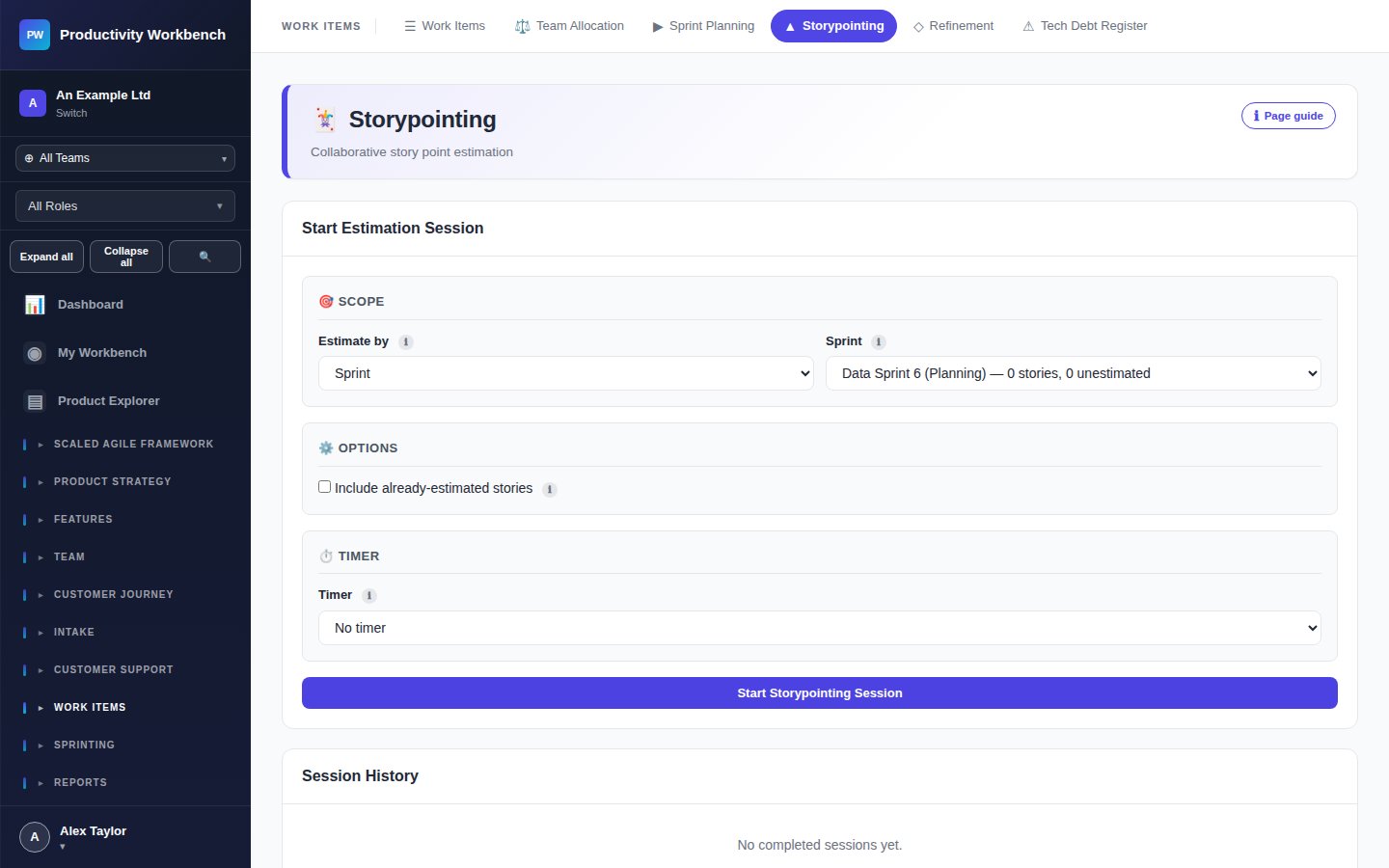
Screenshot: Storypointing — active session voting view

Session controls (facilitator)

New Session

Create a session with a name and an optional sprint association. Add stories from the backlog to the session agenda.

Add Stories

Search and add stories from the backlog. Stories already pointed can be re-added for a re-vote.

Reveal

Reveal all submitted votes simultaneously. Available only to the session facilitator.

Accept estimate

After reveal, set the agreed estimate and move to the next story. Saves the value to the story automatically.

Re-vote

If votes diverge, trigger a re-vote after a brief discussion. Previous votes are cleared.

Share link

Copy the session join link to send to team members. Participants do not need to be Admins — any workspace member can join.

Voting cards

The Fibonacci scale is used by default: 1, 2, 3, 5, 8, 13, 21, 8, ?. 8 means "this is too large to estimate — split it". ? means "I don't have enough information to estimate".

Voting report

After a session, the Voting Report (Reports → Voting Report) shows consensus rates, outlier patterns, and average estimate accuracy vs. actuals. Use this to improve estimation over time.

All Page Guides documentation

Build v0.3.2 · deployed 2026-10-19T23:52:31Z