
Sprint Board Page Guide
The Sprint Board is your team's daily working view — a kanban board for tracking story progress through the active sprint.
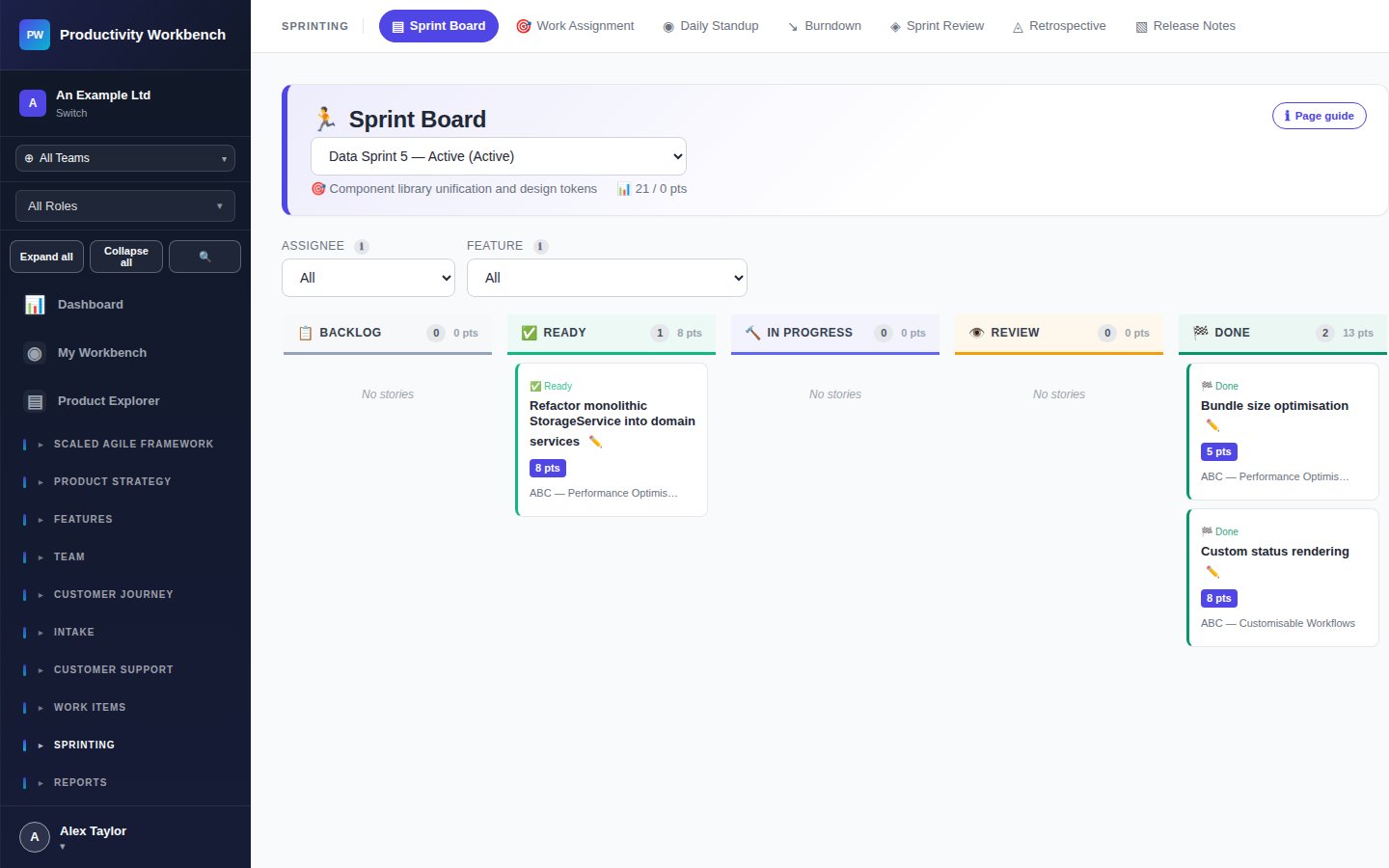
Board columns
Using the board
- Drag and drop cards between columns to update status
- Click a card to open the story popup and view or edit details
- Flag blockers using the 🚫 Blocked toggle on a story — blocked stories show a red indicator
- Filter the board by team member using the assignee filter at the top
- The story point counter at the top of each column shows total points in that column
Capacity indicator
The capacity bar at the top of the board shows total sprint points vs. team capacity. The bar turns amber at 90% and red above 100%.
Blocked stories
Blocked stories show a red 🚫 icon. Blockers are also surfaced on the Dashboard and in Daily Standup. Each blocker should have an assigned owner responsible for resolving it. Aim to resolve every blocker within 24 hours — if it cannot be resolved, escalate or descope the story from the sprint.
At sprint close
At the end of the sprint, move to Sprint Review to formally accept completed stories. Any stories still in In Progress or To Do at sprint close will be offered for carry-over to the next sprint during planning.